2 - 53
USER’S GUIDE Triton Wireless Hand-held Terminal
SSH Client Setup - cont’d.
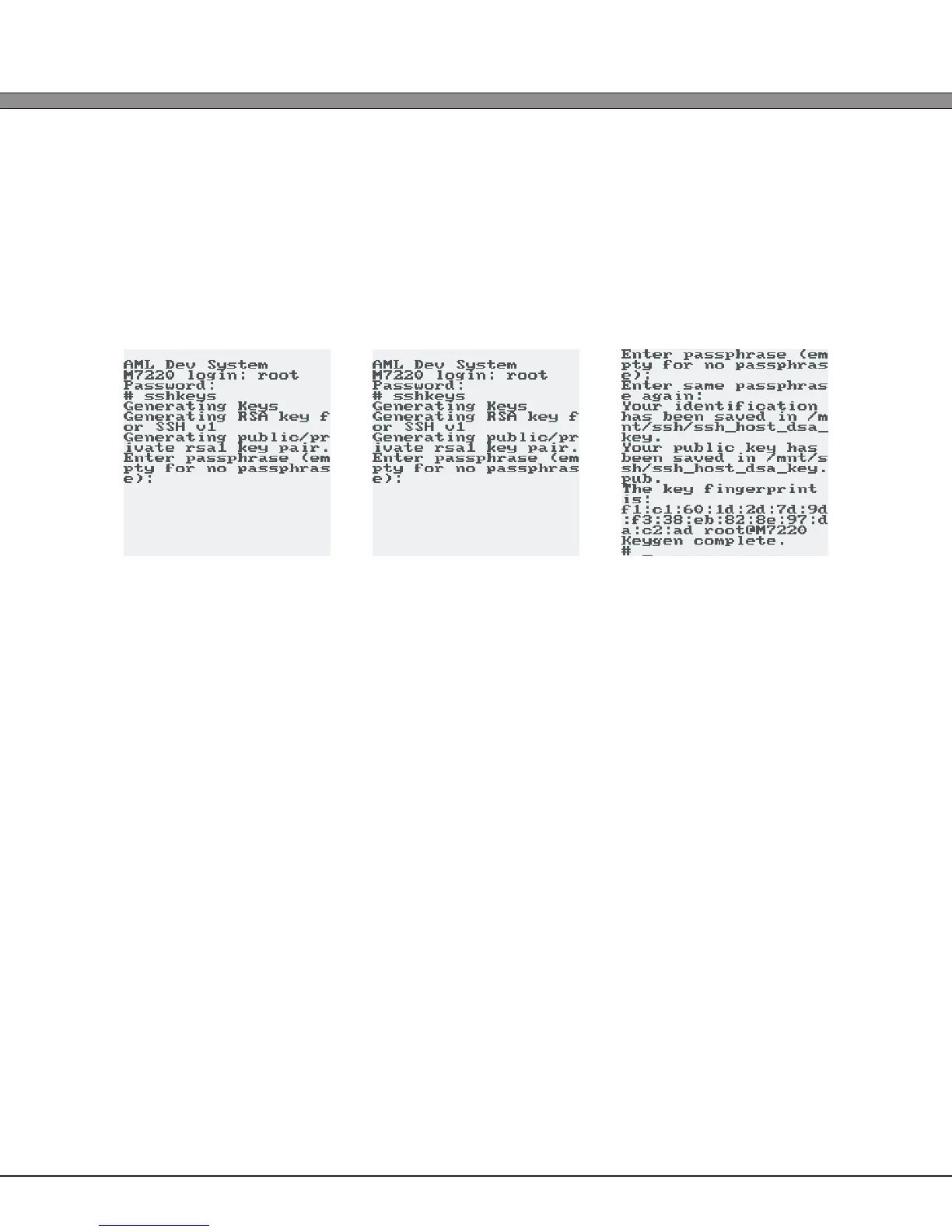
3.) Type ‘sshkeys’ and press [ENTER]. The public/private key pairs will be generated,
a process that may take up to ve minutes. Throughout the generation, the user will be
prompted to enter passphrases for the key generation. These passphrases would be supplied
by a system administrator of the server that the unit will be connecting to, or, if they are not
used, the user can simply hit [ENTER] to randomly generate the phrase.
4.) Once the generation of the SSH keys is complete, reboot the Triton.
*NOTE: The sshkeys script can also be run from a SSH or TELNET session connected to the
device, or from the Linux console running on the RS-232 port, if enabled.



 To Next Page