2017/06 Rev. 2.0 71 EN
OptiBean (XL) Touch
C: Enter the management menu (tap and hold to open the menu)
D: Selection panel
E: Page indicator (navigation bar)
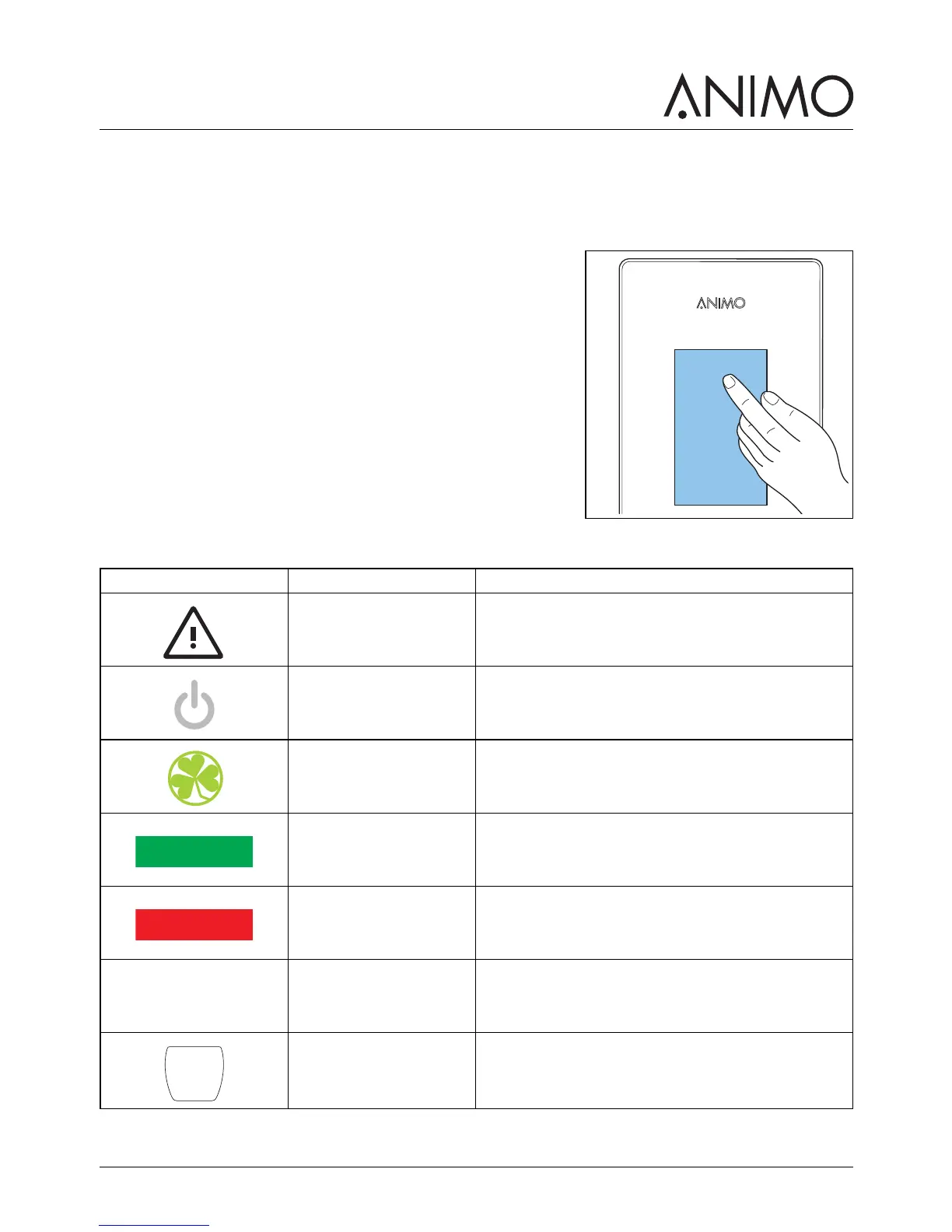
2.4.2 Operate the touchscreen
1 Use your finger to tap or swipe on the icons, prompts, or
slider bars on the touchscreen.
2.4.3 Icons
/i
Icon Name Description
Service warning The machine needs urgent service. Turn the
machine off and contact your dealer.
Stand-by Tap and enter the PIN code to leave this mode.
ECO - energy safe
mode
Tap to leave this mode.
Start Confirm your selection.
Stop Cancel selection.
Back button Return to the selection screen.
Glass cup Cup mode. Select a beverage, or confirm your
selection.



 To Next Page