2017/06 Rev. 2.0 87 EN
OptiBean (XL) Touch
4Operation
Only use the following products:
• Coffee beans
• Instant products
• Sugar suitable for vending machines
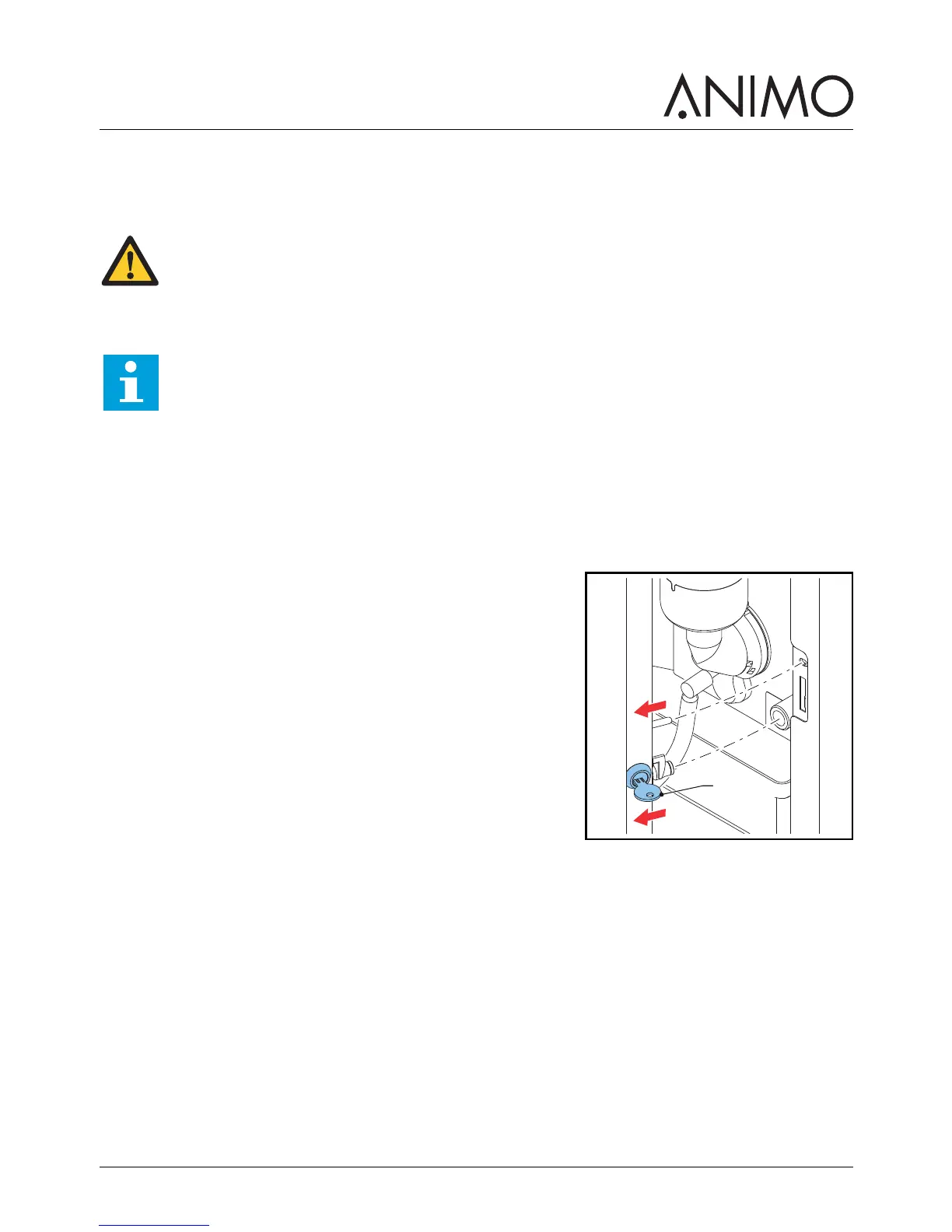
4.1 Opening the door
1 Place the key in the door lock (A).
2 Turn the key and open the machine door.
WARNING
• Inspect the machine for damage before use.
• Do not submerge or hose down the machine.
• Unplug the machine and unplug the water supply when the machine is not used for a
longer period of time.
Note
The energy safe mode is activated by default.



 To Next Page