2017/06 Rev. 2.0 59 EN
OptiBean (XL) Touch
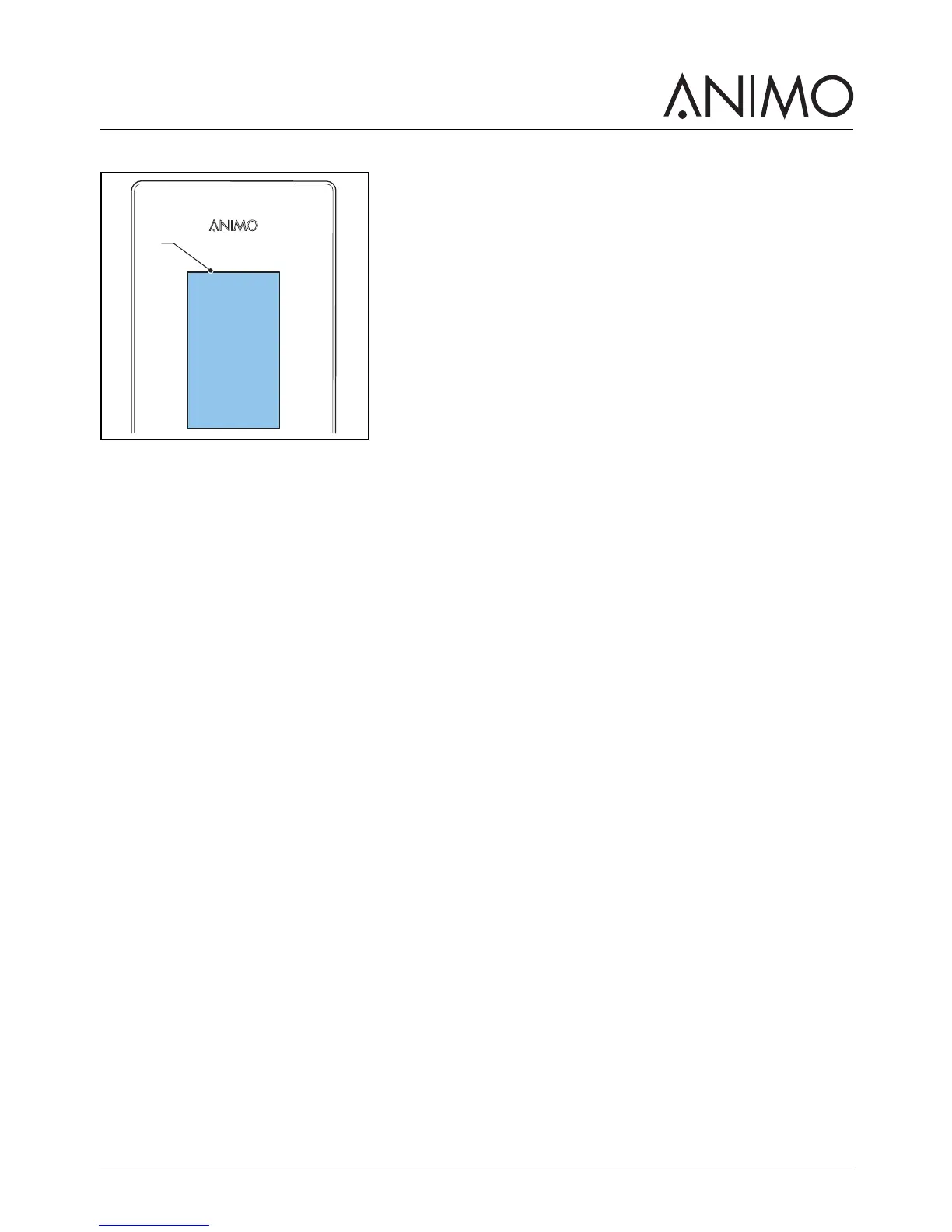
1.5.4 Display
The display (A) shows technical malfunction with error codes. The display also provides additional user
information or warnings.
1.6 Safety precautions
1.6.1 General safety precautions
• Make sure that the environment around the machine is dry, clean and lit sufficiently well;
• Keep away from moving parts;
• Use Animo replacement parts only.
• Use Animo recommended products only.
1.6.2 During installation
• Observe local regulations and use approved materials and parts.
• Do not place the machine in an area with temperatures below 0 °C.
• Do not place the machine in an area where a water jet could be used.
• Place the machine at work top height on a firm and flat surface.
• Plug the machine into a safety-grounded power outlet.
• Make sure the machine does not leak.
• Check if the details on the type plate correspond to the country.
1.6.3 During normal operation
• Inspect the machine for damage before use.
• Do not tilt the machine.
• Do not submerge or hose down the machine.
• Do not use sharp objects to operate the machine.
• Keep the operating controls free of dirt and grease.
• Switch off the machine and unplug the water supply when the machine is not used for a longer
period of time.
1.6.4 During maintenance and repair
• Perform regular maintenance on the machine.
• Wear protective gloves when performing maintenance.
• Do not clean the machine using a water jet.



 To Next Page