EN 88 2017/06 Rev. 2.0
OptiBean (XL) Touch
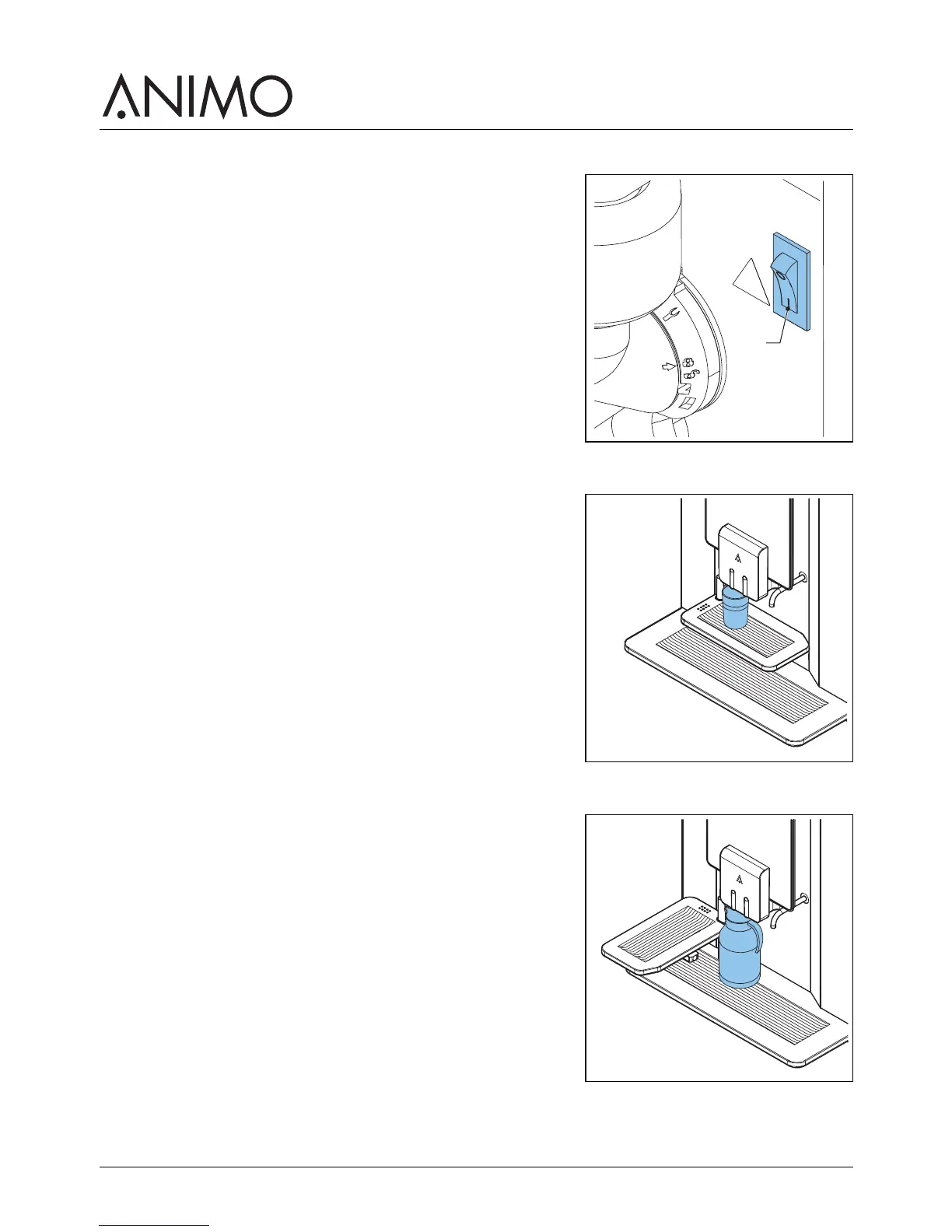
4.2 Switching on and off
1 Open the machine door.
2 Press the on/off switch (A) to switch the machine on or off.
4.3 Start dispensing cups
1 Place a cup on the tray.
2 On the touchscreen, select a recipe or tap on the hot water
icon.
3 If required, use the selector functions on the touchscreen to
set the strength of the coffee, milk and chocolate.
4 Tap the start dispensing icon.
4.4 Start dispensing jugs (optional)
1 Turn away the cup tray.
2 Place a jug on the drip tray under the correct outlet.
3 On the touchscreen, select a recipe or tap on the hot water
icon.
4 Enter the PIN code.
5 If required, use the selector functions on the touchscreen to
set the amount of cups for 1 jug.
6 Tap the start dispensing icon.



 To Next Page