EN 86 2017/06 Rev. 2.0
OptiBean (XL) Touch
3.3.9 Set the delay timer on the screensaver
1 Access the Sound and Vision menu. Refer to 3.3.1
2 Tap on the <Sound and Vision> button.
3 Tap on the <Screensaver delay time> button.
4 Set the delay time of the screensaver.
5 Tap the confirmation button.
6 Tap <X> to close the Sound and Vision menu.
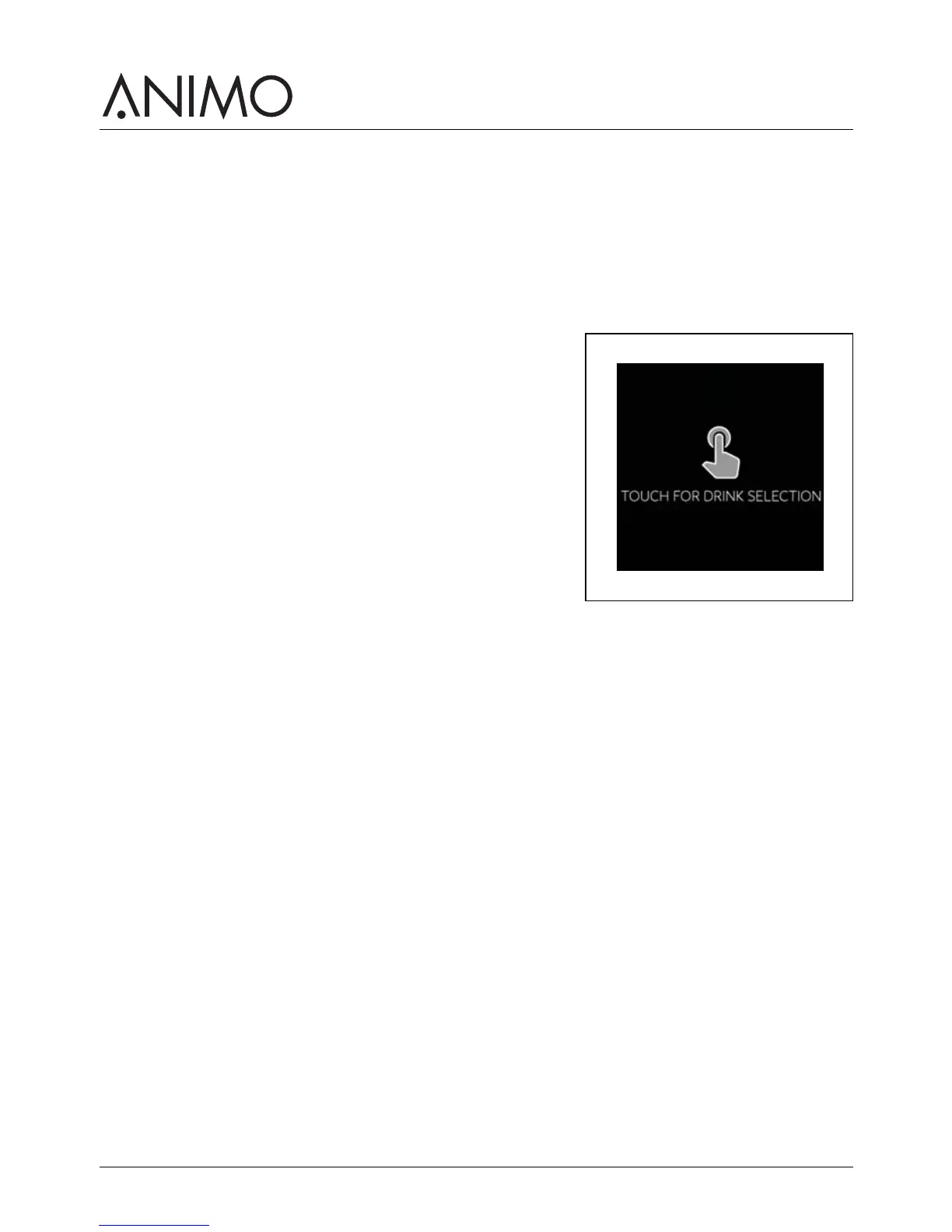
3.3.10 Show or hide text and / or the touch symbol
1 Access the Operator menu. Refer to 3.3.1
2 Tap on the <Sound and Vision> button.
3 Tap on the <Advertising screen> button.
4 Tap on the <Show text and touch symbol> button.
5 Tap on the <Show text > or the <Show touch symbol>
button.
6 Tap on the <Yes> button or tap on the <No> button.
7 Tap the confirmation button.
8 Tap <X> to close the Sound and Vision menu.



 To Next Page