File Menu
4-8 PN: 10580-00277 Rev. E Spectrum Master UG
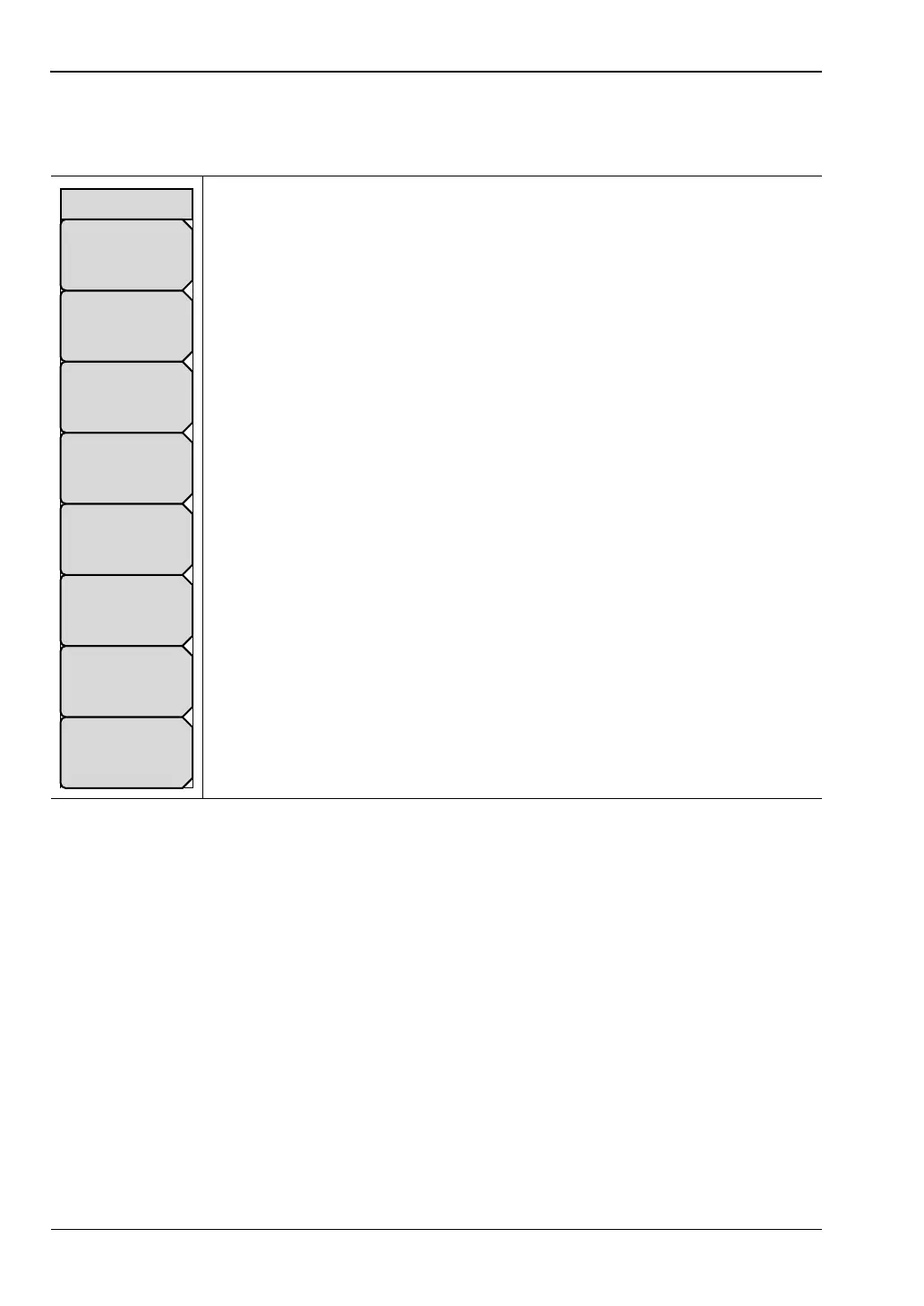
Save Menu
Key Sequence: File > Save
Text Entry Keys: The top 5 keys are for text entry. The submenu keys for
Text Entry displays the characters (alphabet, hyphen, and underscore). Press
the
abc/def submenu key (for example) to open another submenu with a
separate key for each of these letters. Characters can be entered by using the
rotary knob or by using the submenu keys.
The rotary knob scrolls through the characters in a pop-up window and
pressing the rotary knob enters a character. The menu returns to the complete
character set after each individual letter is entered.
Use the arrow keys to navigate within a name or character string. Use the
Shift key for capital letters. Press the Enter key or the rotary knob to finalize a
text entry.
Back Space: Use this key to delete a file name highlighted in blue or delete
individual characters.
Change Save Location: Press this submenu key to open the “Save Location
Menu”.
Change Type: Press this submenu key to select what type of file is saved.
The options are the Measurement, Setup, or Jpeg. The file type can be
changed with the Up/Down keys or the rotary knob.
Setup (.stp): Setup files contain basic instrument information,
measurement mode setup details, measurement marker data, and limit
data.
Measurement (.spa): Contains the measurement data and opens with
Master Software Tools.
Jpeg (.jpg): Jpeg files contain a screen capture of the display.
Limit Lines (.lim): The Limit line file contains limit line data details.
Figure 4-7. Save Menu
Save
Change
Save
Location
Back Space
y z - _
s t u
v w x
m n o
p q r
g h i
j k l
a b c
d e f
Change Type
Setup/JPG/...













 To Next Page