Update Firmware
Spectrum Master UG PN: 10580-00277 Rev. E 5-11
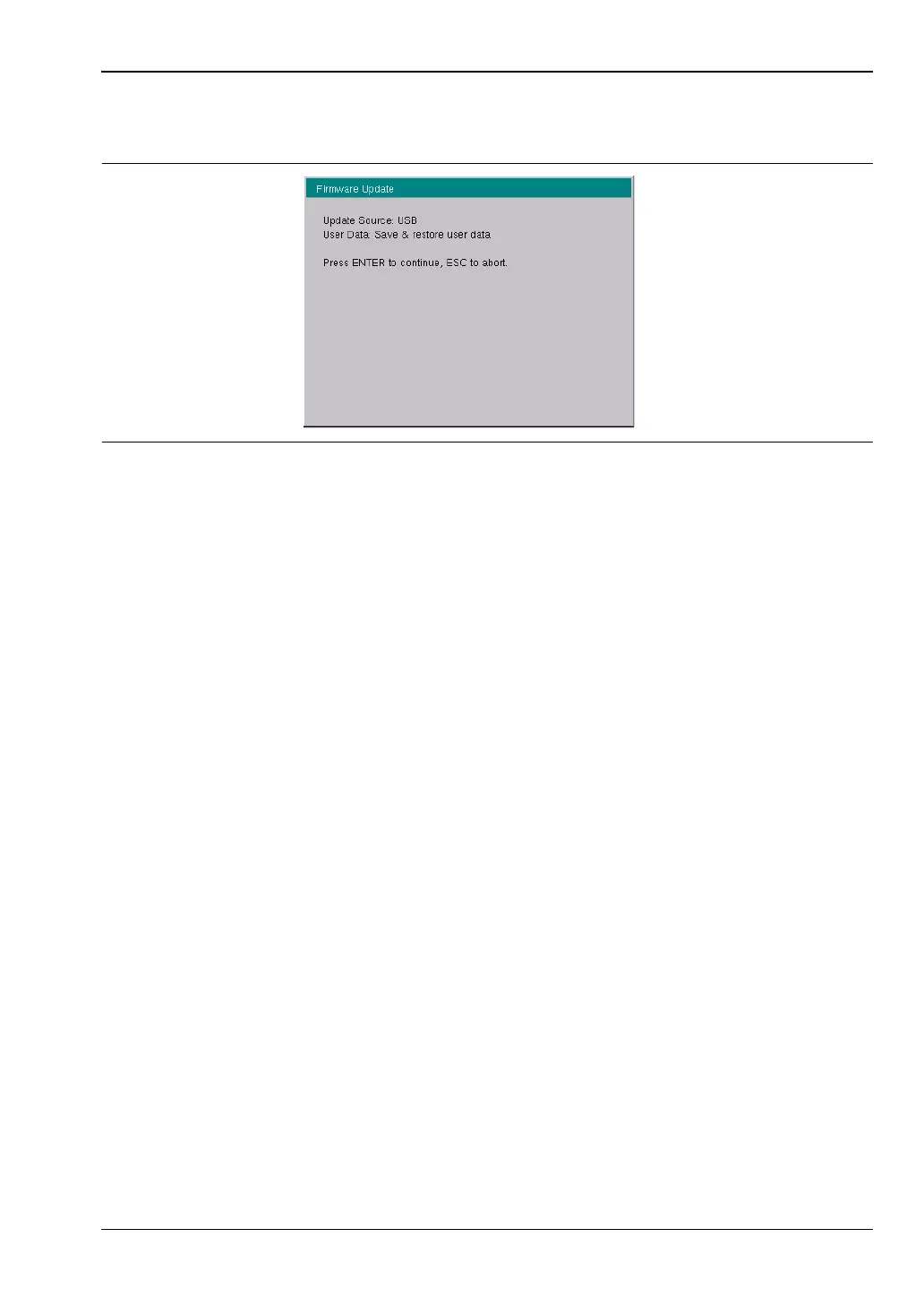
7. The Firmware Update dialog will query you to confirm the process by pressing Enter to
continue or Esc to abort (Figure 5-11).
8. Select Enter and the firmware update process begins. The Firmware Update dialog
displays the following message:
Updating firmware. Please Wait.
9. When complete, the instrument will reboot.
Update Firmware Using Master Software Tools
Refer to “Updating Instrument Firmware” on page 7-2 in Chapter 7, “Master Software Tools”.
Figure 5-11. Firmware Update Menu













 To Next Page