5-10 PN: 10580-00277 Rev. E Spectrum Master UG
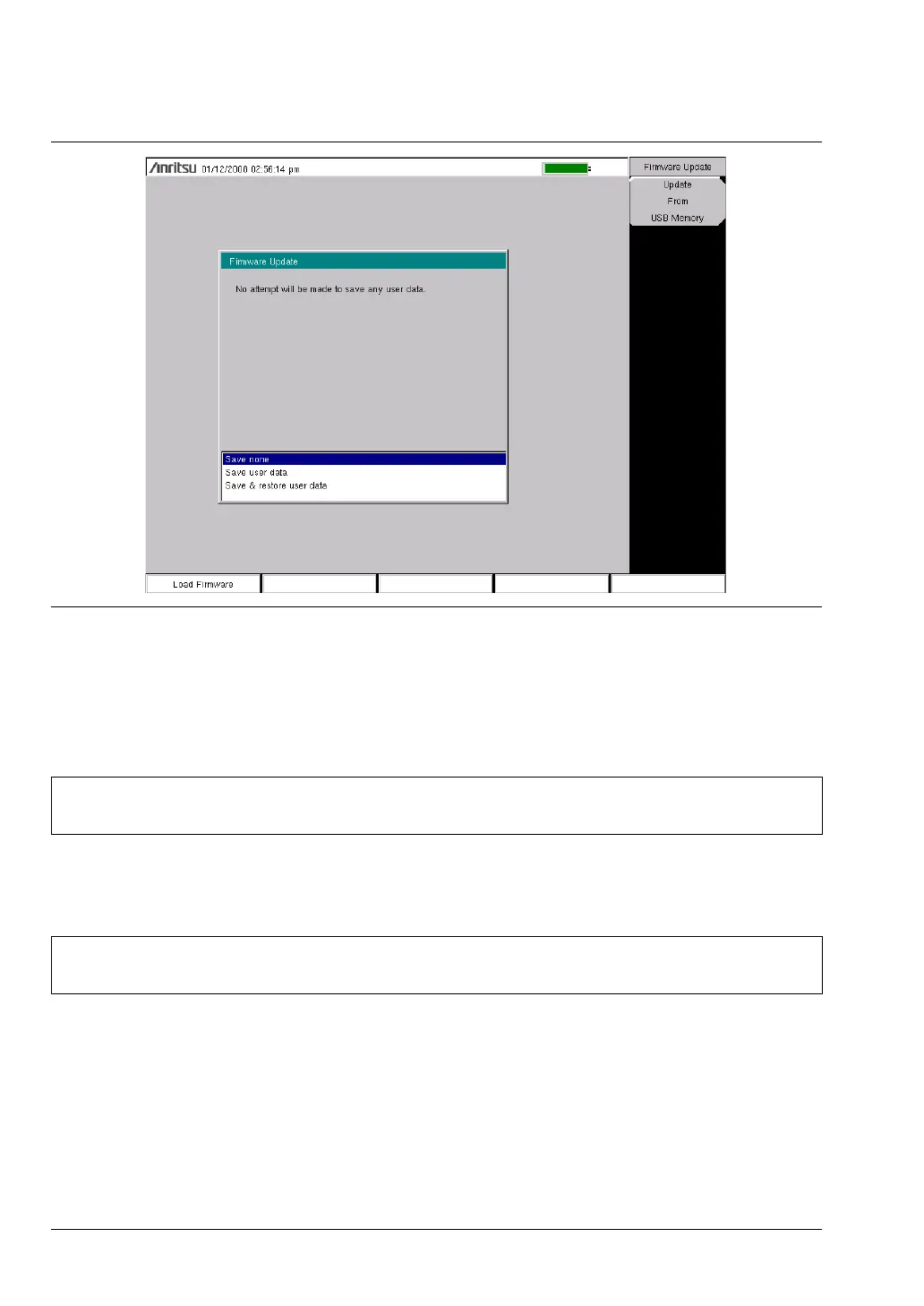
5. Highlight each of the save choices: Save None, Save User Data, and Save & Restore User
Data. Read through each choice carefully and then select the desired save mode.
• Save None: No attempt will be made to save any user data.
• Save User Data: User data will be save to the selected external media device.
• Save & Restore: User data will be saved to the selected external media device.
The instrument will also attempt to restore the files to the instrument after the
update.
6. Press Enter to begin the firmware update process. To abort the process, press Esc, then
choose another analyzer mode or power down.
Figure 5-10. Firmware Update Menu
Warning
If not enough memory space is available for all user data, then some data may be
lost during this process.
Warning
If not enough memory space is available for all user data, then some data may be
lost during this process.













 To Next Page