Updating Instrument Firmware
Spectrum Master UG PN: 10580-00277 Rev. E 7-5
File Status Ready:
1. Check that the file status is Ready and that the Install to Unit button is active.
2. Click the Install to Unit button. Your Spectrum Master is updated with the new
firmware.
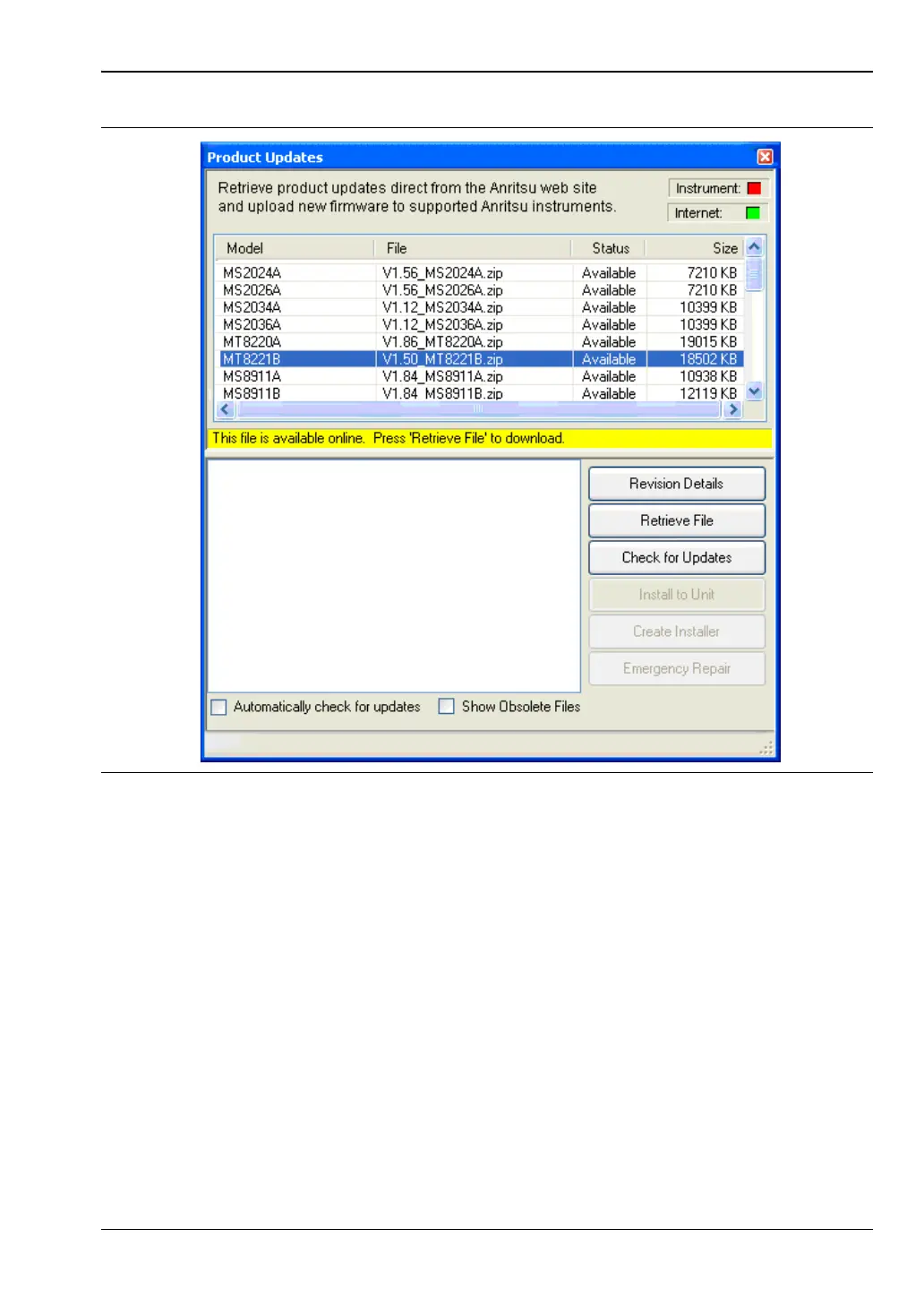
File Status Available:
1. Check that the file status is Available.
2. Click Retrieve File to download the file from the Web site to your PC.
3. Check that the file status changes to Ready.
4. Click the Install to Unit button. Your Spectrum Master is updated with the new
firmware.
Figure 7-4. Product Updates Window: Status Available













 To Next Page