10
Measurement
1. After cleaning the connector of the optical fiber, connect it to the
measurement port of the Network Master.
2. Touch (Start Averaging) or (Start Realtime) on the
Application toolbar.
During the measurement icon blinks to indicate that laser is
output from the measurement port.
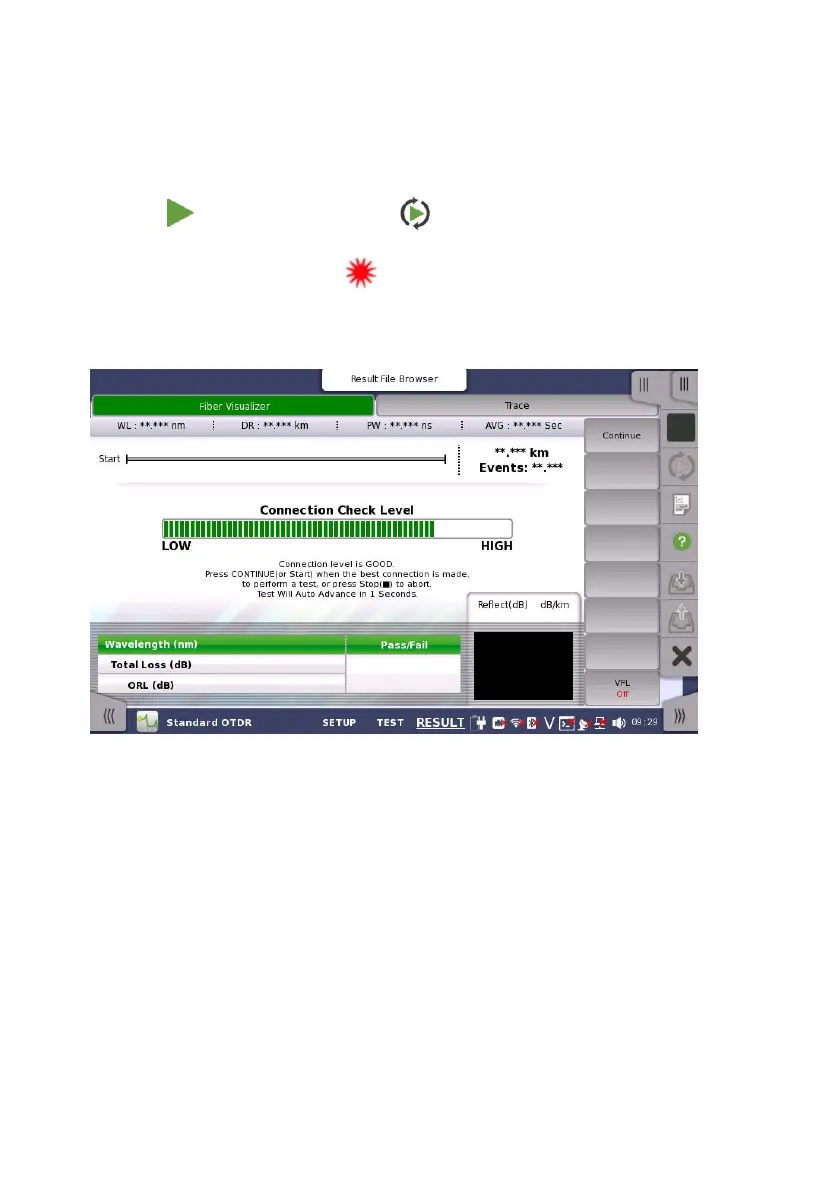
If Connection Check is selected, the connection check runs.
Good connection
The gauge is green when connection is good.
Bad connection
The gauge is red when connection is bad. And it is yellow when
connection is not good. Touch Continue soft key to perform the
test.
If the connection state is not improved even if the fiber is cleaned,
the fiber needs to be replaced.
3. If the connection check result is "Good", the measurement starts
and the Fiber Visualizer screen or Trace screen appears.














 To Next Page