18
Construction
Construction application is optimized for performing
multiple fiber measurements sequentially.
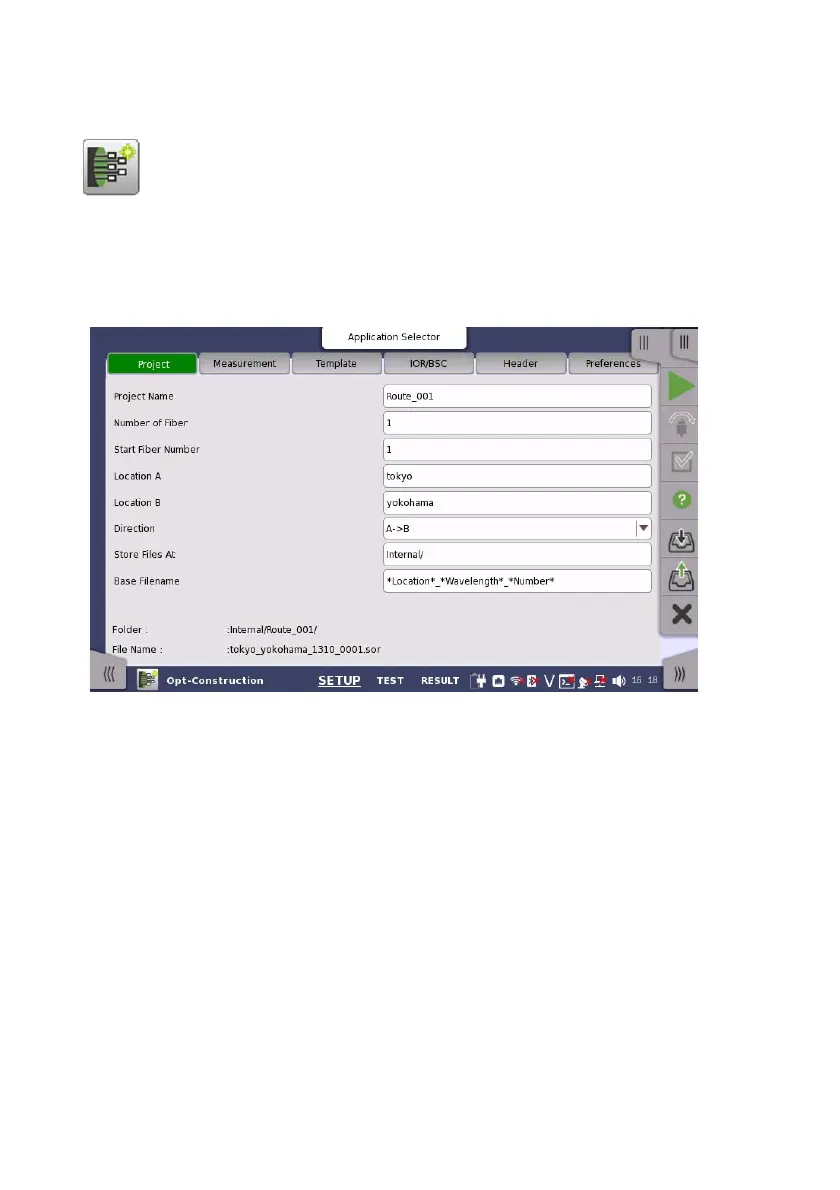
1. Touch Construction in the Application selector. The Setup screen
appears in the same way as in Standard OTDR application.
2. Touch Project and enter the value in Number of Fiber.
3. Touch Measurement in the navigation area.
Touch Wavelength tab and select the wavelength of tests.
For MU100021A, set Output Port to Single Mode or Multi Mode.
Touch Test Parameters tab and set Test Mode to Auto or Manual.
When Manual is selected, set the values of Distance Range, Pulse
Width, Resolution, and Average Time.














 To Next Page