17
FTTA (Fiber to the Antenna)
FTTA application is the optimized application for the short
range fiber measurement such as between the antenna and
controller in the radio base station.
1. Touch FTTA in the Application selector. The Setup screen appears
in the same way as in Standard OTDR application. However the
measurement parameters are more simplified than Standard OTDR
application.
2. Set parameters on the Setup screen and Test screen in the same way
as in Standard OTDR application. There are no Splitter settings in
FTTA application.
3. After cleaning the connector of the optical fiber, connect it to the
measurement port of the Network Master.
4. Touch on the Application toolbar.
During the measurement icon blinks to indicate that laser is
output from the measurement port.
If Connection Check is selected, the connection check runs.
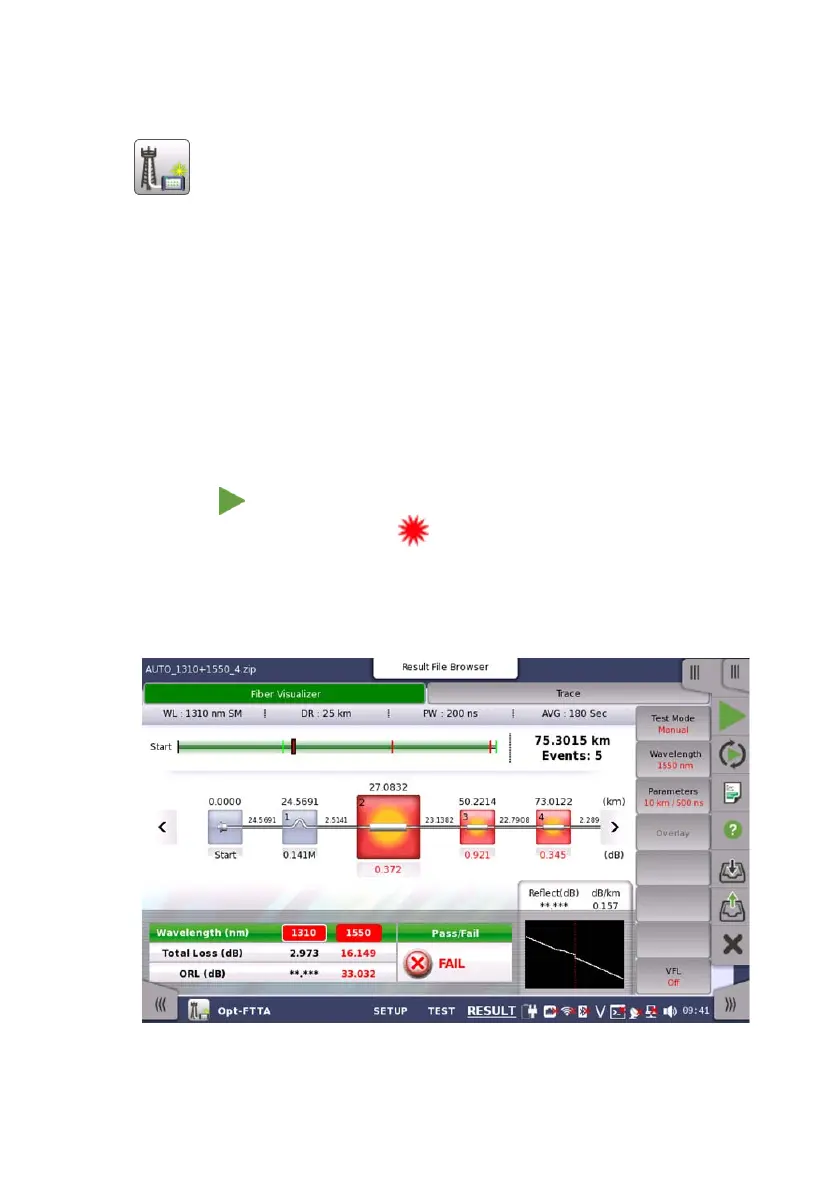
The measurement result appears on the Fiber Visualizer screen or
Trace screen.
For the operation of screens, refer to the description in Standard OTDR
application.














 To Next Page