29
Creating the report
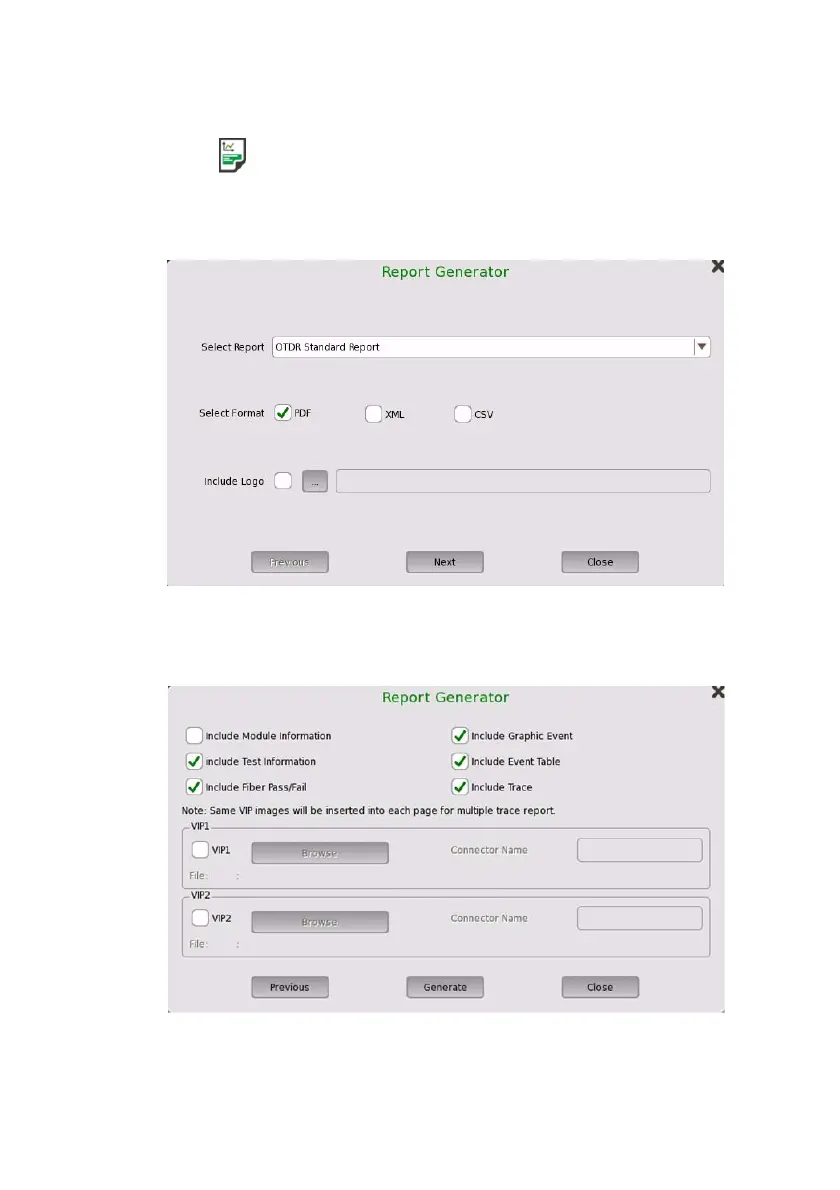
1. Touch on the Application toolbar.
2. Select the file format of Report file, and set Logo in Report
Generator dialog box. Touch Next.
3. Select check boxes of items outputting to the report, and set the VIP
(Video Inspection Probe) file. Touch Generate.
4. Touch the File name field to enter the file name.
5. Touch Save Report.














 To Next Page