28
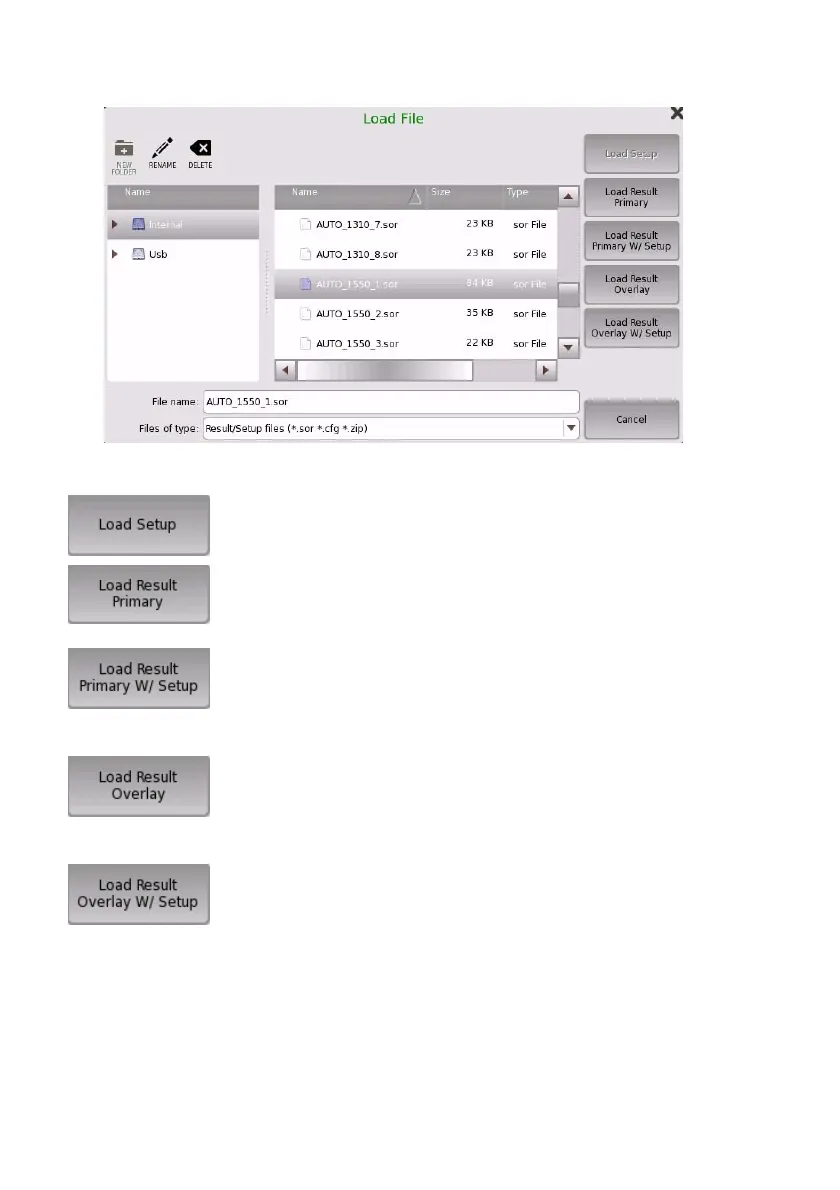
3. Touch a button:
Loads a setup file (*.cfg).
Loads a test result file (*.sor or *.zip).
If loading a result file (*.sor), the primary trace is
overwritten.
Loads a test result file (*.sor or *.zip).
If loading a result file (*.sor), the primary trace is
overwritten and the application test setup will
change according to parameters in the loaded file.
Loads a test result file (*.sor or *.zip).
If loading a result file (*.sor), the overlay trace will
be appended. Overlay trace can be appended up to
12.
Loads a test result file (*.sor or *.zip).
If loading a result file (*.sor), the overlay trace will
be appended. And the application test setup will
change according to parameters in the loaded file.
When loading a result file (*.sor), the parameters in the following
screens are not overwritten.
• Preferences in the Setup screen
• Pass/Fail in the Test screen














 To Next Page