2
Power
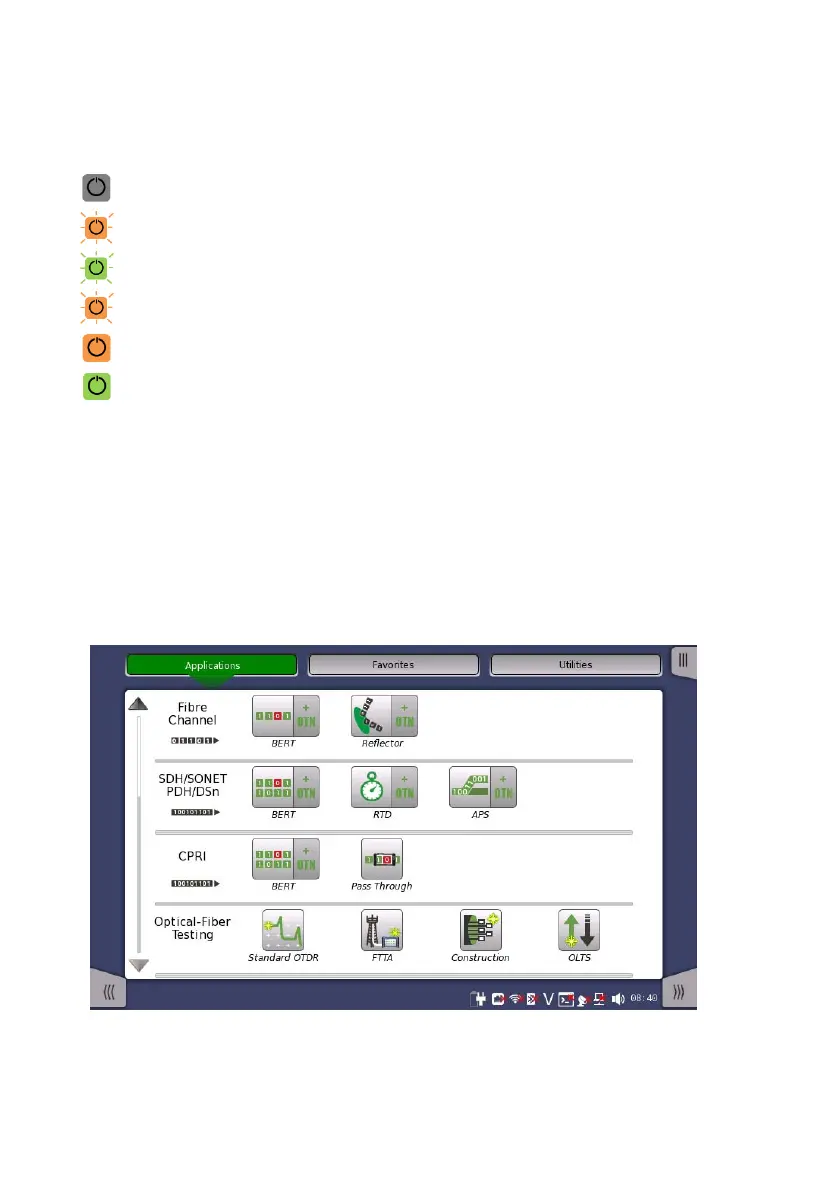
Power button indication shows the following status.
Gray: Power off
Orange flashing (fast): Booting on AC power
Green flashing: Booting on battery
Orange flashing (slow): Charging
Orange: Stand by
Green: Operating
To Power Up
AC Operation
Connect the AC adaptor to the Network Master. The power button
flashes in orange during booting and remains on after booting.
Press the power button to light it up in green. After a model name is
displayed, the Network Master enters Operating status and the
Application Selector appears.
Figure 1 Application Selector














 To Next Page