6
Standard OTDR (Optical Time Domain Reflectometer)
To locate where the reflection happens, and measure the
fiber loss, touch Standard OTDR in the Application selector.
Measurement condition setup
1. To display the Setup screen, touch SETUP at the bottom of the
screen.
2. For MU100021A, touch Port in the navigation area.
Set Output Port to Single Mode or Multi Mode.
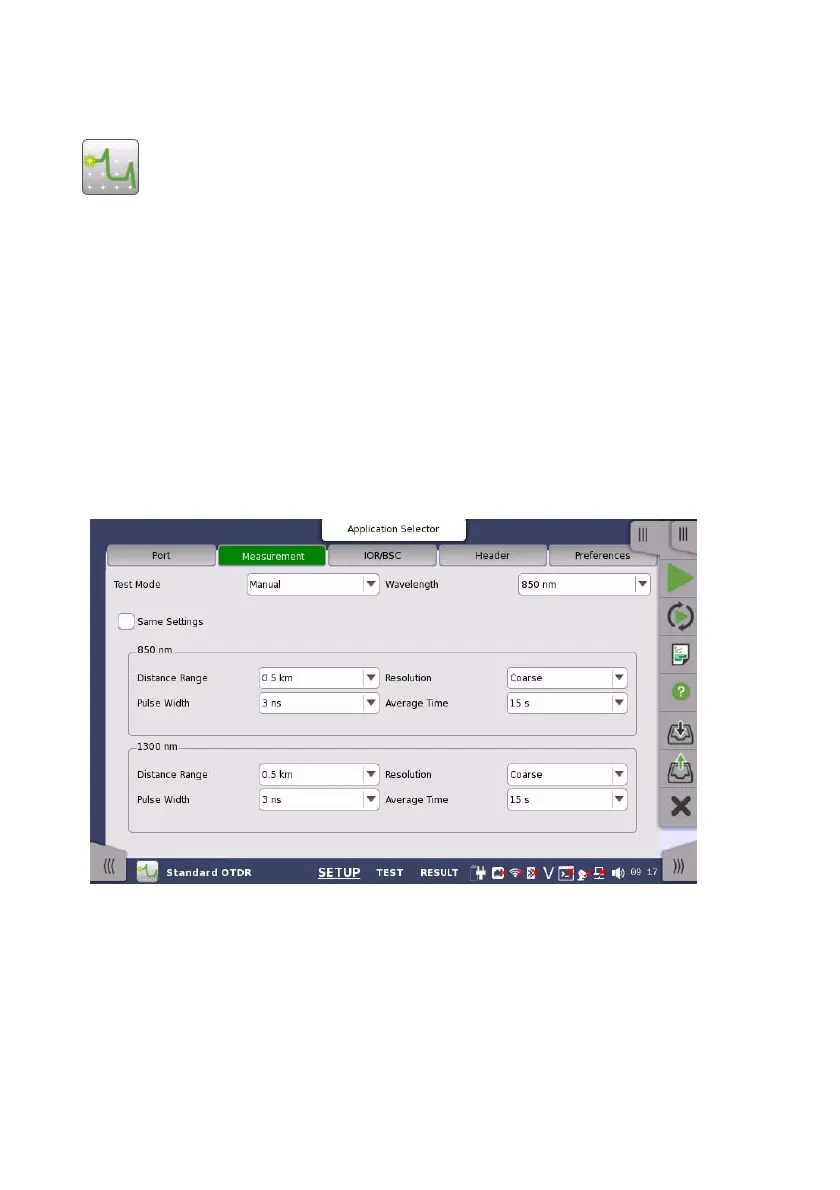
3. Touch Measurement in the navigation area.
If selecting Auto, the parameters will be set automatically.
Selecting Manual allows user to set parameters.
Select Wavelength used for the measurement.
4. Touch IOR/BSC. Set IOR, BSC, and Fiber Type.
5. Touch Header. Set each items if you need. These items are saved to
the file. The following items will be printed on the report:
Cable ID, Fiber ID, Location A, Location B, and Operator.
6. Touch Preference. Set each item if you need.














 To Next Page