3
Battery Operation
Press the power button. The Network Master shows a model name and
flashes the power button in green during booting.
Then, the Network Master enters Operating status and shows the
Application Selector.
To Power Down
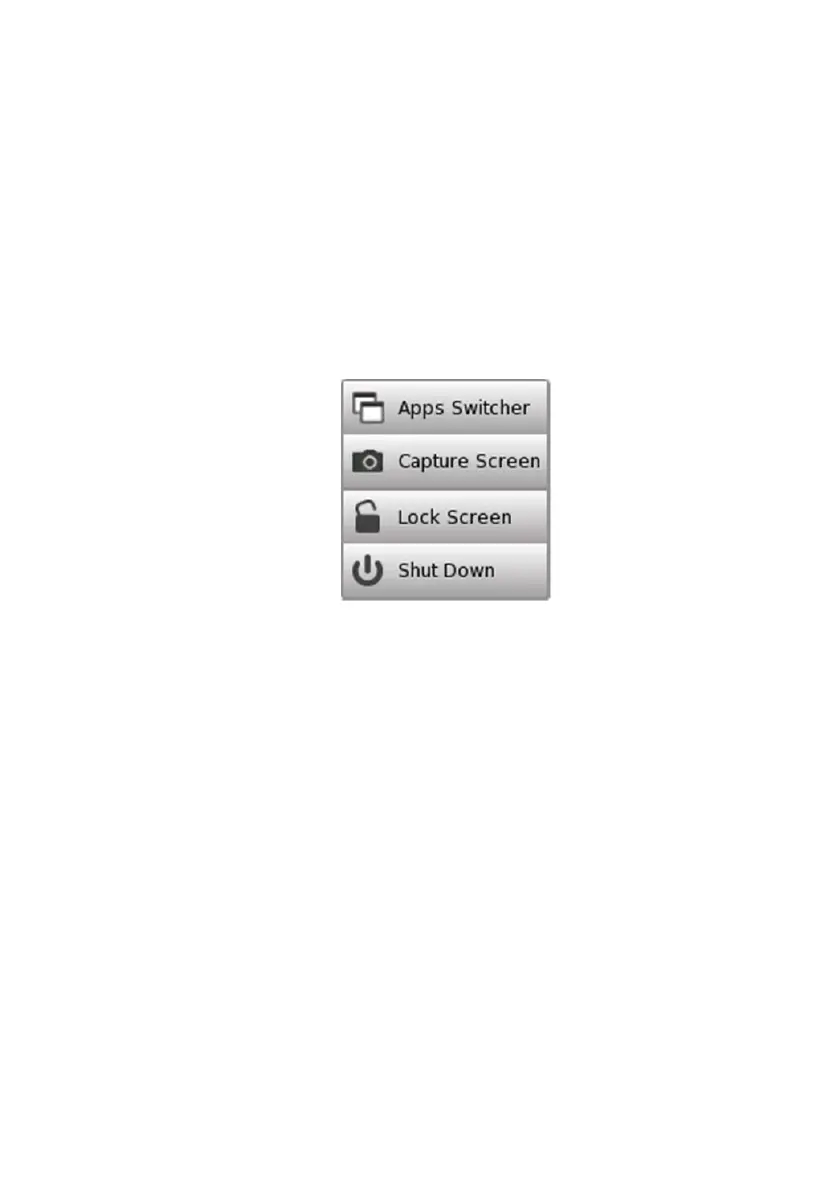
When you press the Power button, a pop-up menu containing Shut Down
will appear.
Touch Shut Down and then confirm by touching Yes in a dialog box.
AC Operation
After you shut the Network Master down, the Network Master stays
Stand by or charging state until you disconnect the AC adapter.
Battery Operation
After you shut the Network Master down, the power goes off.
Forced Power Down
If it is not possible to power down the Network Master using the power
button menu, the following procedure can be used to make an emergency
power down.
1. Disconnect AC adapter if it is connected.
2. Hold the Power button depressed for a couple of seconds.














 To Next Page