20
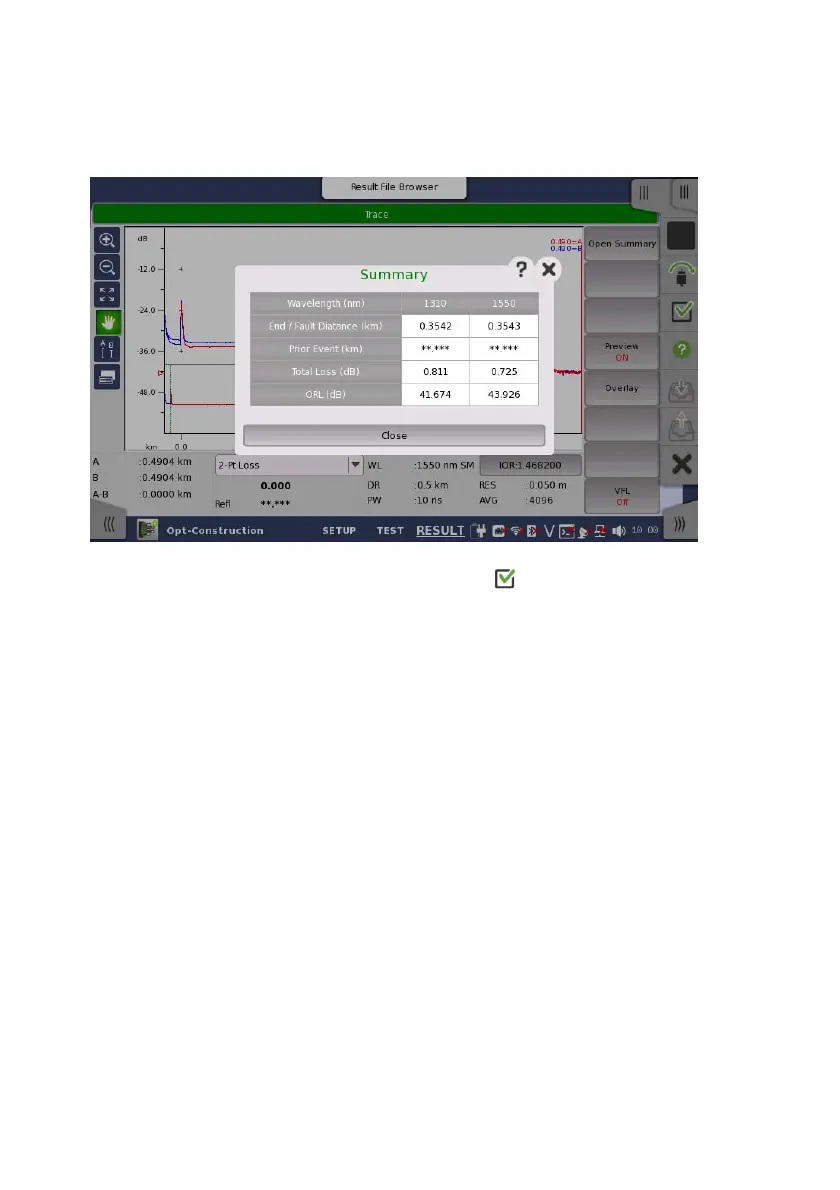
9. If Preview has set to On during the measurement, the Summary
dialog box is displayed after the measurement.
Close the Summary dialog box and touch to resume the next
fiber measurement.
When Preview is set to Off, the traces are erased automatically
after the measurement.
10. The Information dialog box appears. Confirm the fiber number on
the dialog box.
11. Repeat step 7 to 10 until the end of the Number of fiber which is set
in the Project screen.














 To Next Page