25
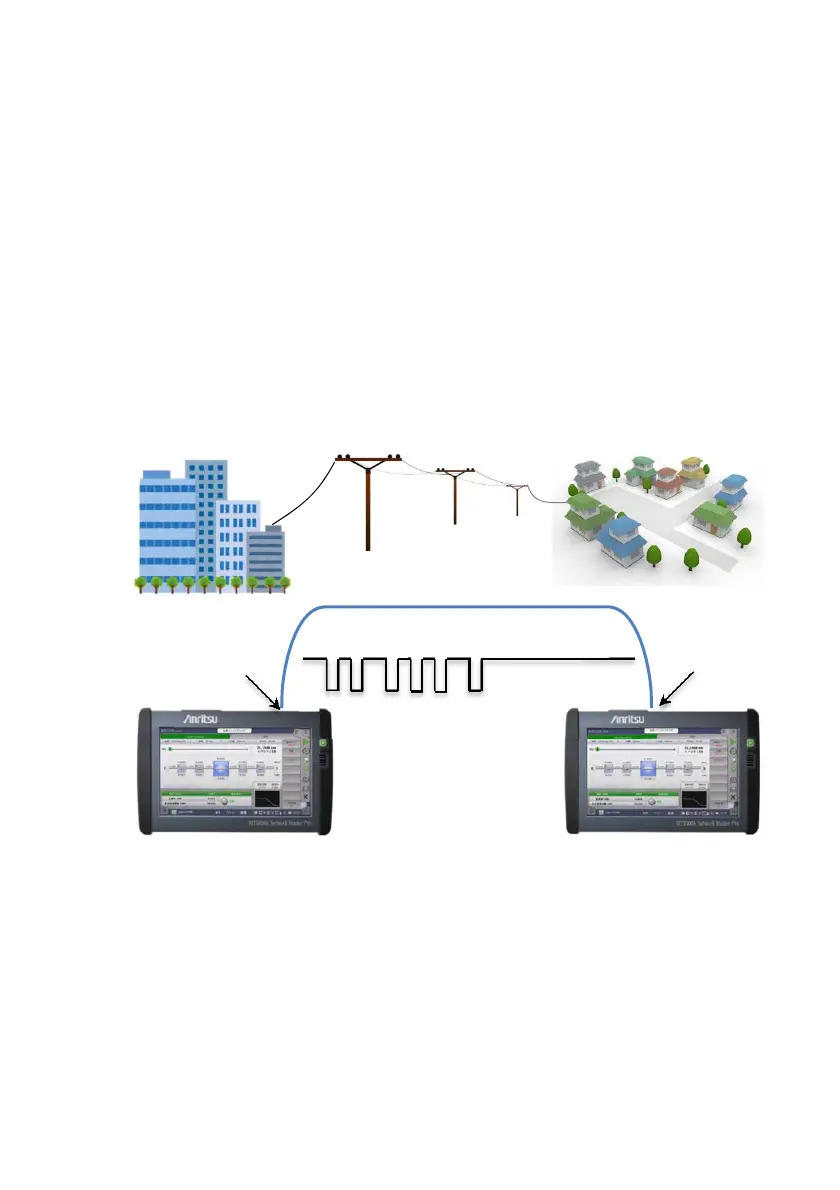
To measure an optical loss by using two Network Masters
When a reference of the power meter cannot be measured directly,
touch the Reference field and input a power value.
In the transmitter side Network Master, setting the Output Mode of
Light Source to Wave Code sends the wavelength and the its power
meter reference modulating output light. The receiver side Network
Master sets the detected wavelength and the reference value to itself
automatically and displays the loss.
1. Set Output Mode in Light Source of Network Master 1 to CW.
2. Measure reference values of Network Master 1 for all wavelengths.
Refer to step 1 to 3 in "To measure an optical loss" for details.
3. Connect Network Master 1 Light Source (OTDR/OLS) and Network
Master 2 OPM to both ends of DUT.
4. Set Network Master 1 Light Source as following:
Network Master 1
Network Master 2
Wave code
OTDR
OPM














 To Next Page