Root canal length detection.
• The use of manual file is of the utmost importance for canal detection. The correct procedure entails file insertion inside canal until reaching indication
0.5.
• Insert the file with a slow clockwise rotation until the APEX indication appears on the instrument.
• Once APEX indication appears, move the file backward by turning it counter-clockwise until reaching again the value of 0.5. Position a rubber stopper
close to the occlusal surface as a reference point to define the work length inside root canal.
• Make an X-ray to check file correct positioning.
• Remove file from canal and measure the work length with a ruler. Deduct a safety value of 0.5-1 mm from the reading.
Always use the locator in combination with X-ray test to accurately define apex position.
Different, and not always predictable, morphological conditions could lead to inaccurate readings.
For example:
- Excessively wide root canal.
- Re-treatments.
- Broken roots.
- Presence of metal crowns.
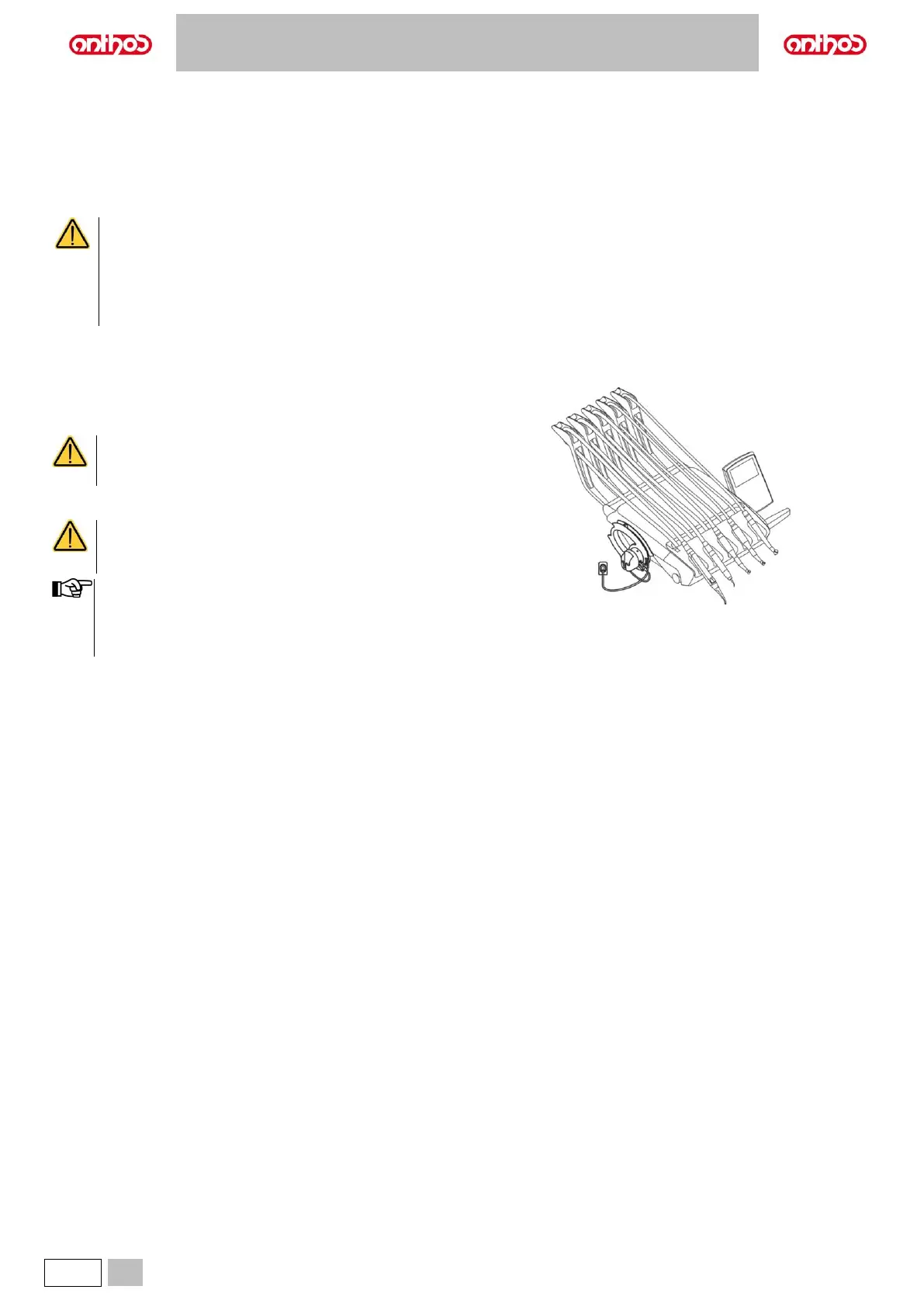
5.10. ZEN-Xi INTEGRATED SENSOR
The integrated ZEN-Xi sensor is a medical device used for the acquisition
of intraoral X-rays in electronic format through the interface with a
Personal Computer.
Do not use the system for tasks other than the acquisition
of intraoral X-rays, and do not use it if you are not an expert
in dentistry and radiology.
ZEN-Xi integrated sensor instructions for use are included
with the equipment, please read carefully the warnings for
use before turning sensor on.
• The integrated ZEN-Xi sensor has no electrical interaction with
the dental unit.
• For L6 CONTINENTAL model, HYBRID version:
the application of ZEN-Xi integrated sensor excludes the
possibility to reverse the console unit position.



 To Next Page