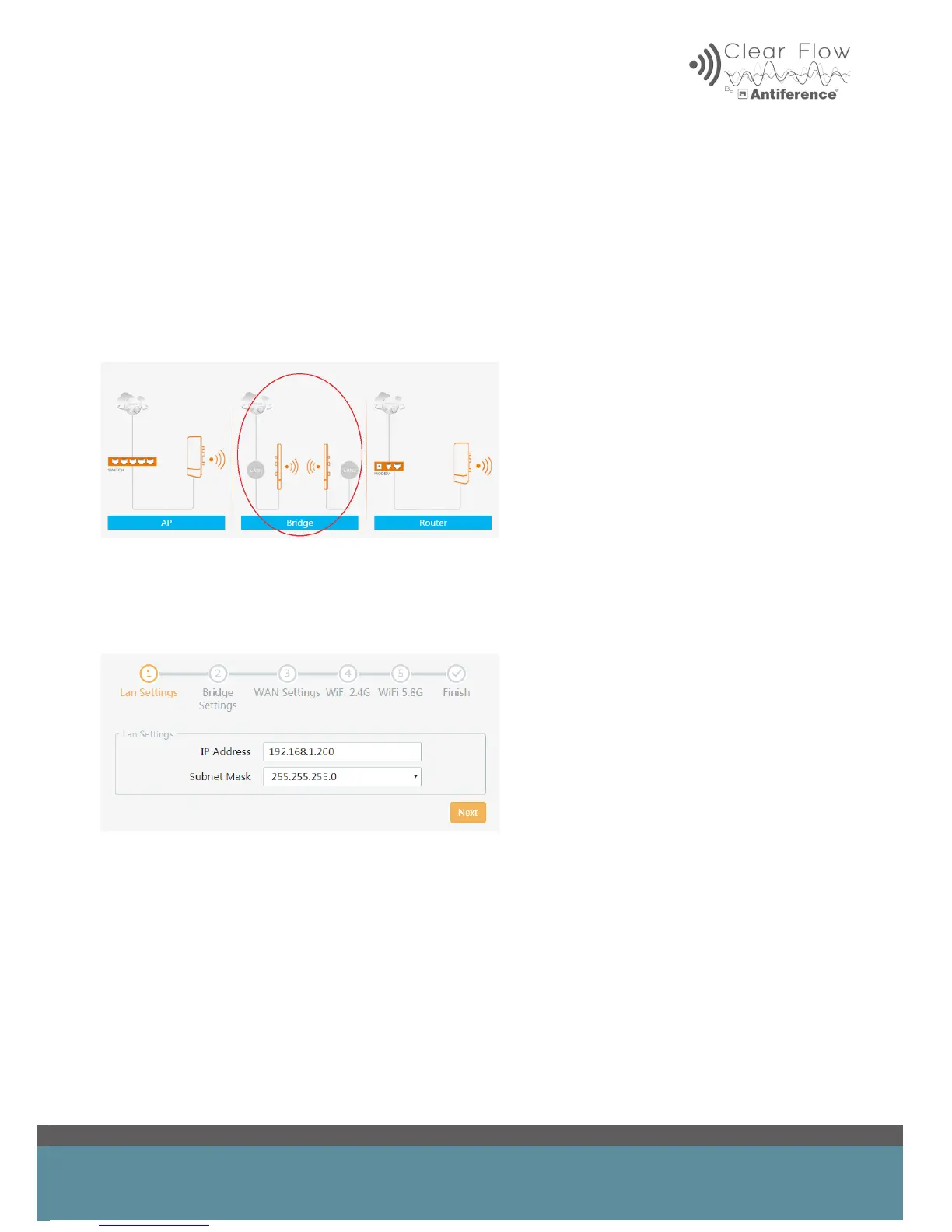
5 PROGRAMMING A BRIDGE
A Bridge can wirelessly extend a network from one location to another either externally or
internally. This guide will show you how to set up a simple PtP bridge using two Beam units.
To set up a Bridge network you start with the transmitter which you need to congure in AP mode.
Please refer to section 3 in this user guide for the instructions on this.
Once you have the transmitter set up as an AP, ensure it is powered on and transmitting WiFi.
Connect the device you’d like to be the receiver, click ‘wizard’ and select ‘Bridge’ mode.
5.1 LAN Settings
This covers the device IP Address and Subnet Mask. The static ‘IP address’ can be set in this
menu. The ‘Subnet Mask’ can be left as default.


 To Next Page