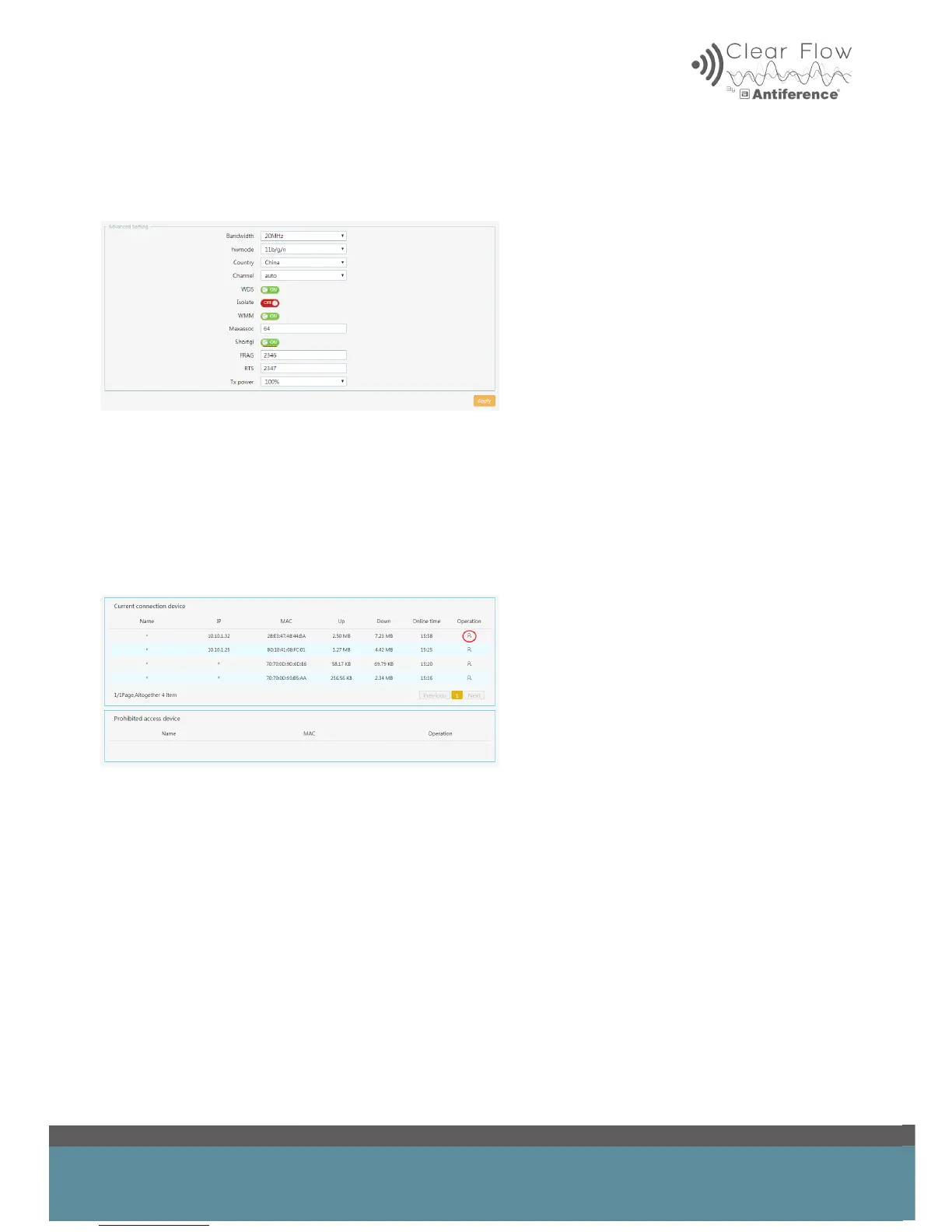
7.3 Advanced Wireless Settings
It is possible to make advanced changes such as channel or transmitter power, for example.
8 USERS
It is possible to manage the users on the network and remove any if required.
By clicking the icon on the right, the user will be placed in the prohibited area.
Users can be re-instated by clicking the dustbin icon next to the user in the prohibited area.


 To Next Page