3 LOGIN SCREEN
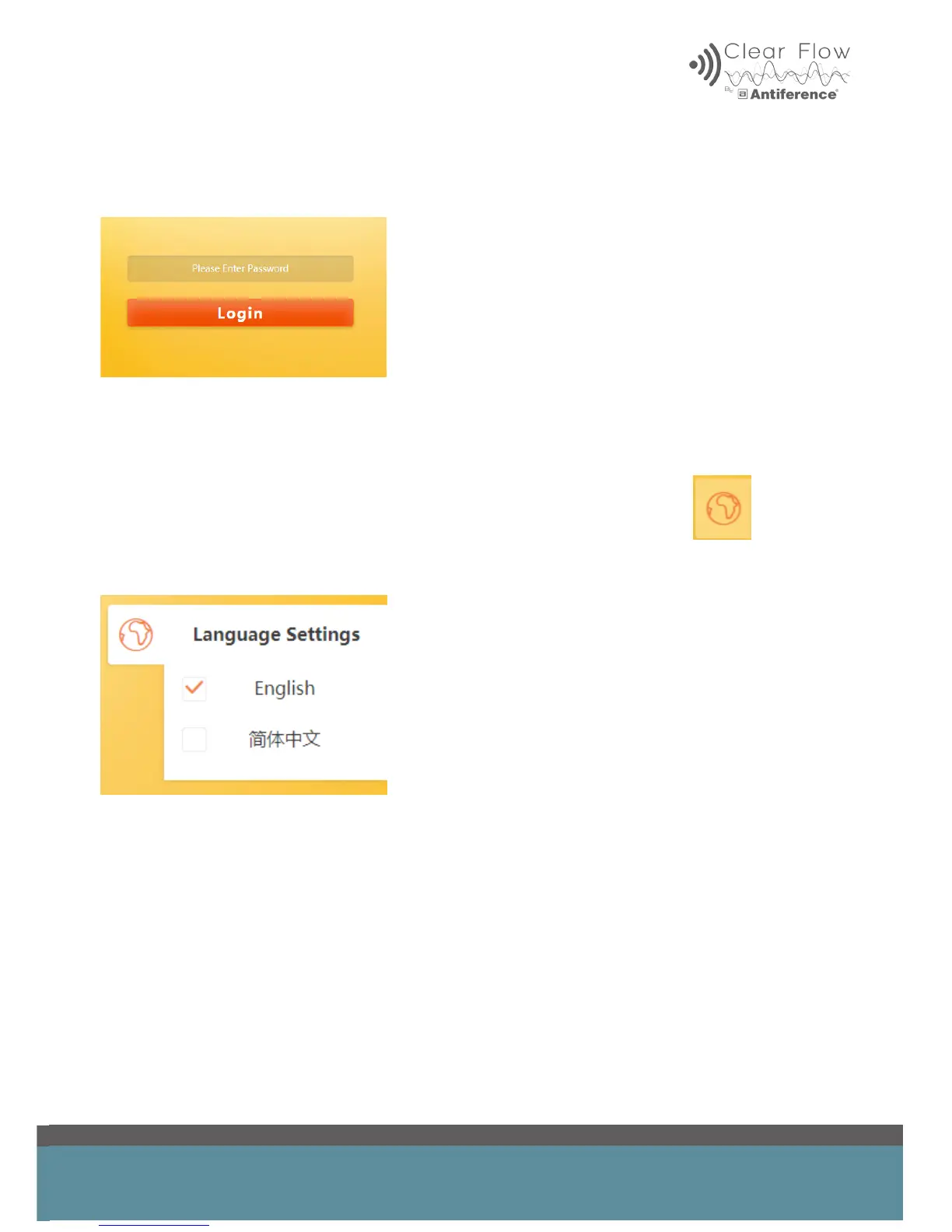
After inputting the IP address into your browser, the login screen will appear:
The default password is ‘admin’. As part of the setup process we recommend the default pass-
word should be changed.
3.1 Changing the Language
To change the language, click on the globe symbol on the login screen
Select your language from the drop-down menu


 To Next Page