User Manual
88
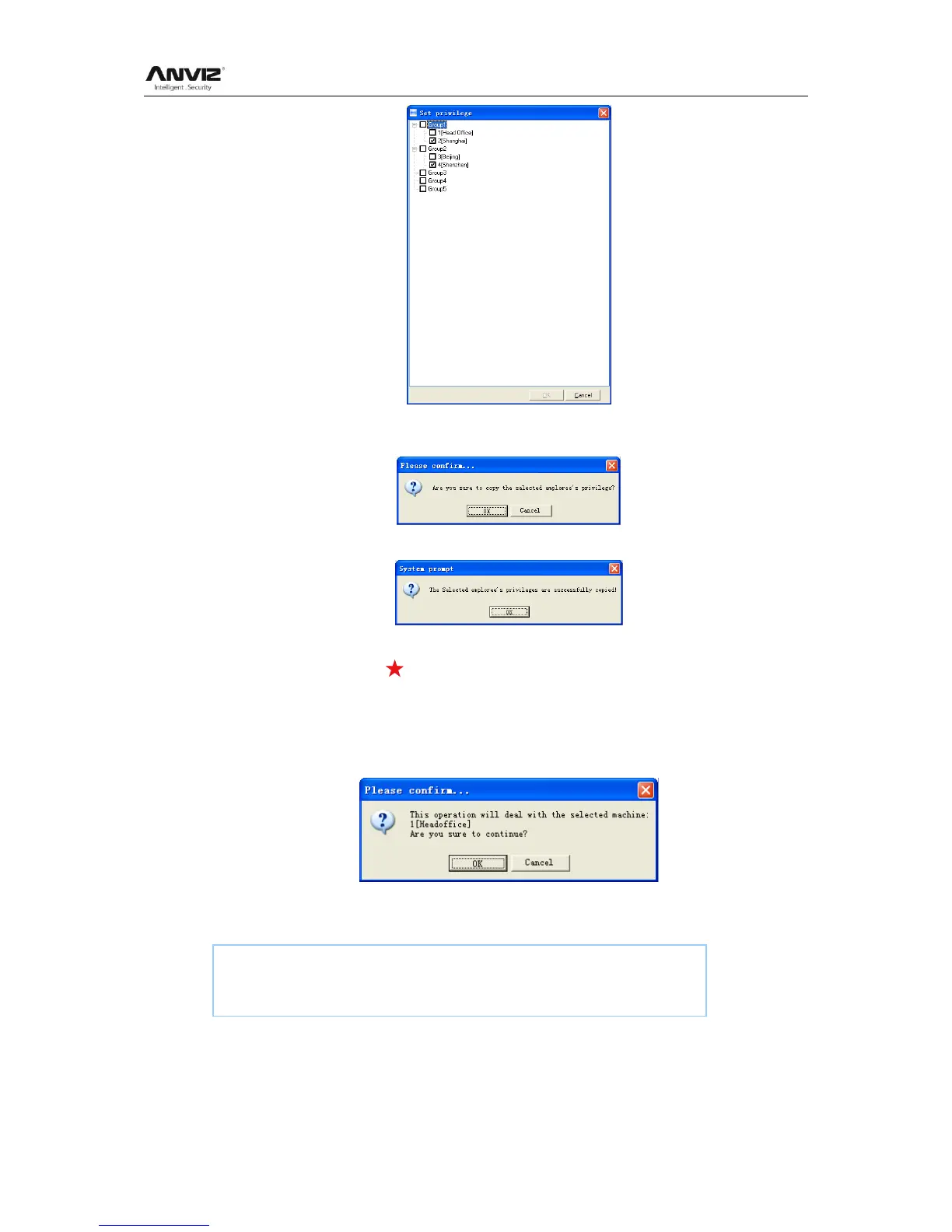
Click the button [Cancel] to exit the [Set privilege]. And then click the button [OK] to
confirm or click the button [Cancel] to cancel.
Click the button [OK] to confirm or click the button [Cancel] to cancel.
5.3.7 Download Template
Download user template (face or fingerprint) from the terminal to the software.
Choose the employees from employee info list (You can choose some or all the
employees by using the button [Shift] or [Ctrl] on your computer‘s keypad). Click the
button [Download Template]. Following message box pops up:
Click the button [OK] to confirm or click the button [Cancel] to cancel.
The operation nformation shows on the main interface as follows:
5.3.8 Upload User Template
Upload the employee information and face or fingerprint template to the terminal.
[2011-08-25 16:18:44]Download fingerprint...
[2011-08-25 16:18:44]Download fingerprint:1[Head office]


 To Next Page