37
© 2014 Dectro International. All rights reserved.
EARNINGS REPORT
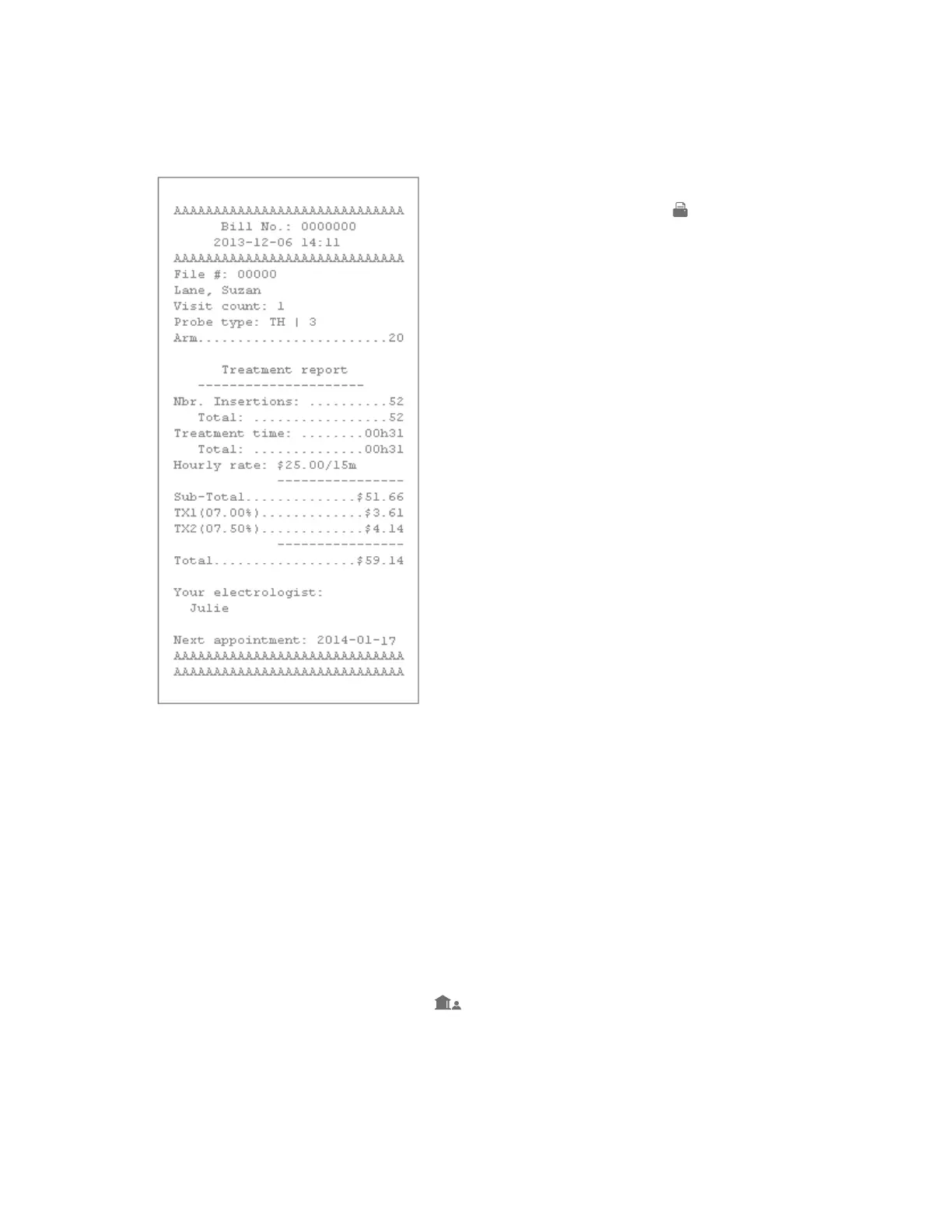
Your Apilus xCell device can print X and Z earnings
reports. This function is very useful to help you
keep track of your earnings and to quickly provide
this information to your accountant. The difference
between X reports and Z reports is that X allows
you to conveniently review all of your earnings
while Z returns the total earnings of the day back
to 0 and closes the cash register at the end of the
day. This feature is only available to the supervisor
in the configuration menu, Users and Clinic( )
button (see Chapter 1).
PRINTER
Your Apilus xCell Pro device possesses a fast and
efficient thermal printer. To manage your printer
options, press the Print ( ) button located at the
right of the main menu. This menu will allow you to
perform the following 3 actions:
PRE-PAID
TREATMENT CARDS
Your Apilus xCell Pro device allows you to use
smartcards, that are prepaid treatment cards.
Smartcards are very useful by offering time credit
packages to your customers or by offering gift cards
that will help to generate revenue more quickly for
your business and help reinforce customer loyalty.
Their use is very simple and flexible, it is up to you
to decide the number of minutes and the rates that
are registered on the pre-paid cards that you offer.
Each card sold is associated with your clinic and
a client file. The card contains information about
the client and the treatments they have received.
As needed, it is also possible to reload the client’s
card with additional minutes and to reuse the card
when offering additional package deals.
Using smartcards
Before using any smartcards, you must first make
sure you have determined your clinic code in the
configuration menu (Normally, the device will have
asked you to perform this action when you first tur-
ned on the device). This code will be recorded on
each chip card sold and will ensure that the cards
will be only valid for your Clinic/Salon. If you change
the clinic code, any previously created smartcards
will no longer work. It is therefore recommended
that you do not change this code and that you
keep this information private.


 To Next Page