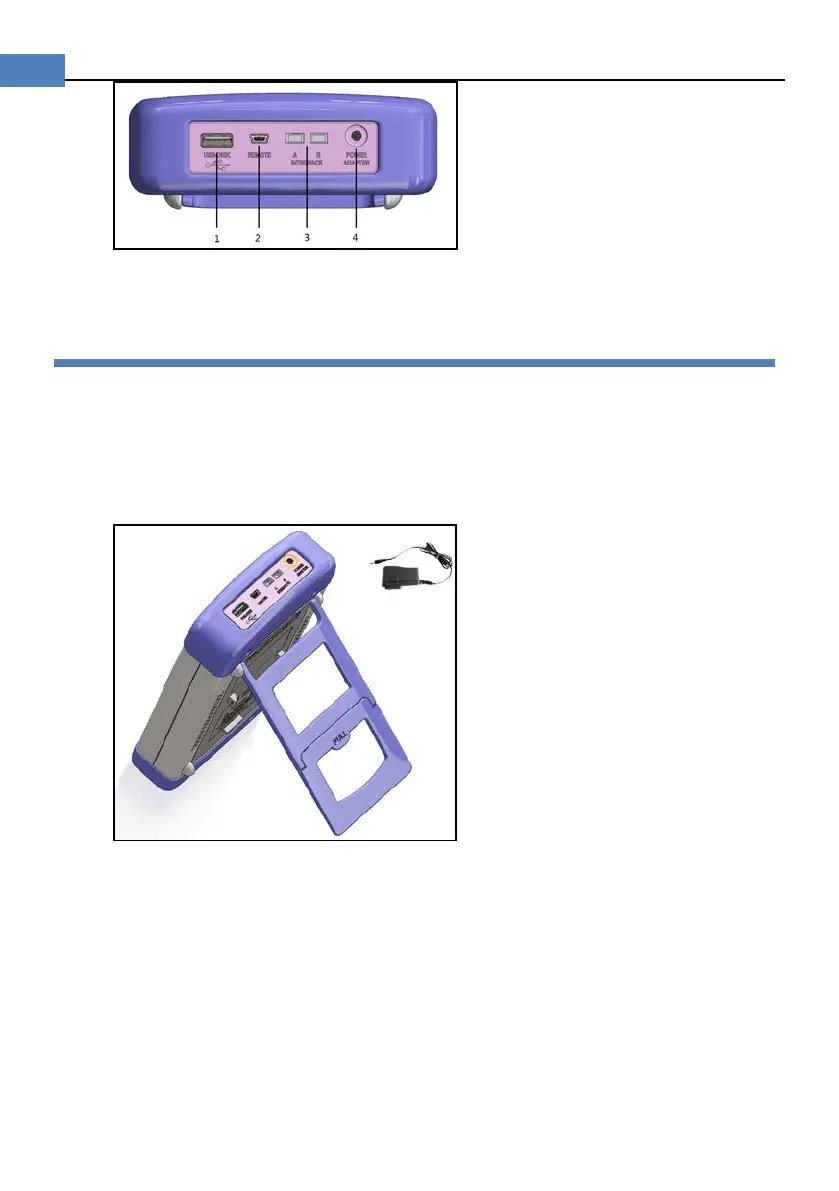
1. USB Host Port
2. Mini-USB Slave Port
3. Reserved Interfaces
4. Power Adaptor
3.3 Power Supply
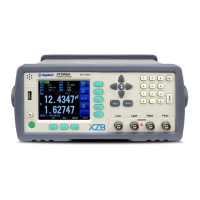
Power adaptor: ATL909
The instrument can be powered by Li battery. When the battery is low, only power adaptor
can charge the battery.
Figure 3-2 Instrument and power adaptor
3.3.1 Charge the Battery
Use the power adaptor to charge the battery. The power key is orange when charging the
battery even the instrument turned off. When the battery is full, the indicator is out.
Figure 3-3 Power key is orange when charging.


 To Next Page