Attention!
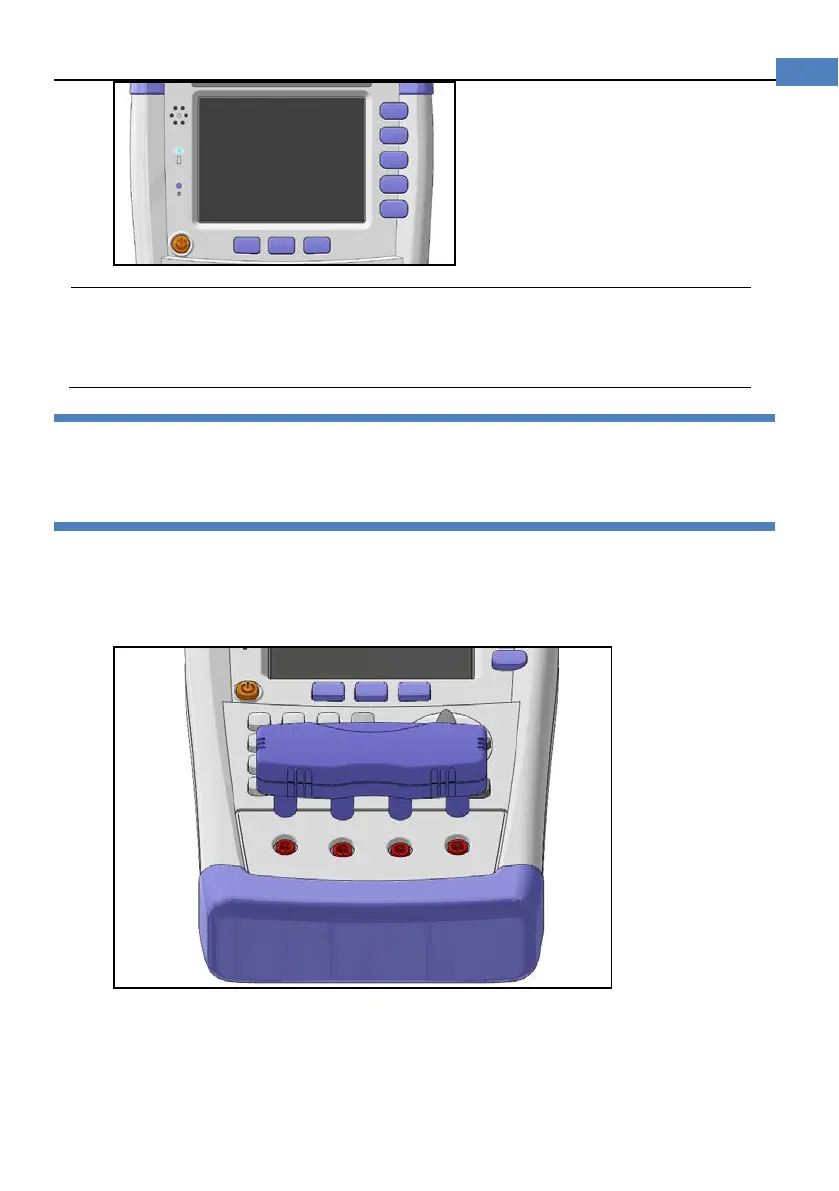
The power key is still orange while charg
ing even when the instrument
shut down.
3.4 Turn On/Off
Press power key softly to start or turn off the instrument.
3.5 Test Slots
Insert the cable box into test slots
Figure 3-4 Test Slots
3.5.1 Clips and Cables:
Using clip or cable from other brands may cause mistakes
After a long time (1~2 Years), the surface of the accessories may be damaged, which will
lead some inaccuracy.


 To Next Page