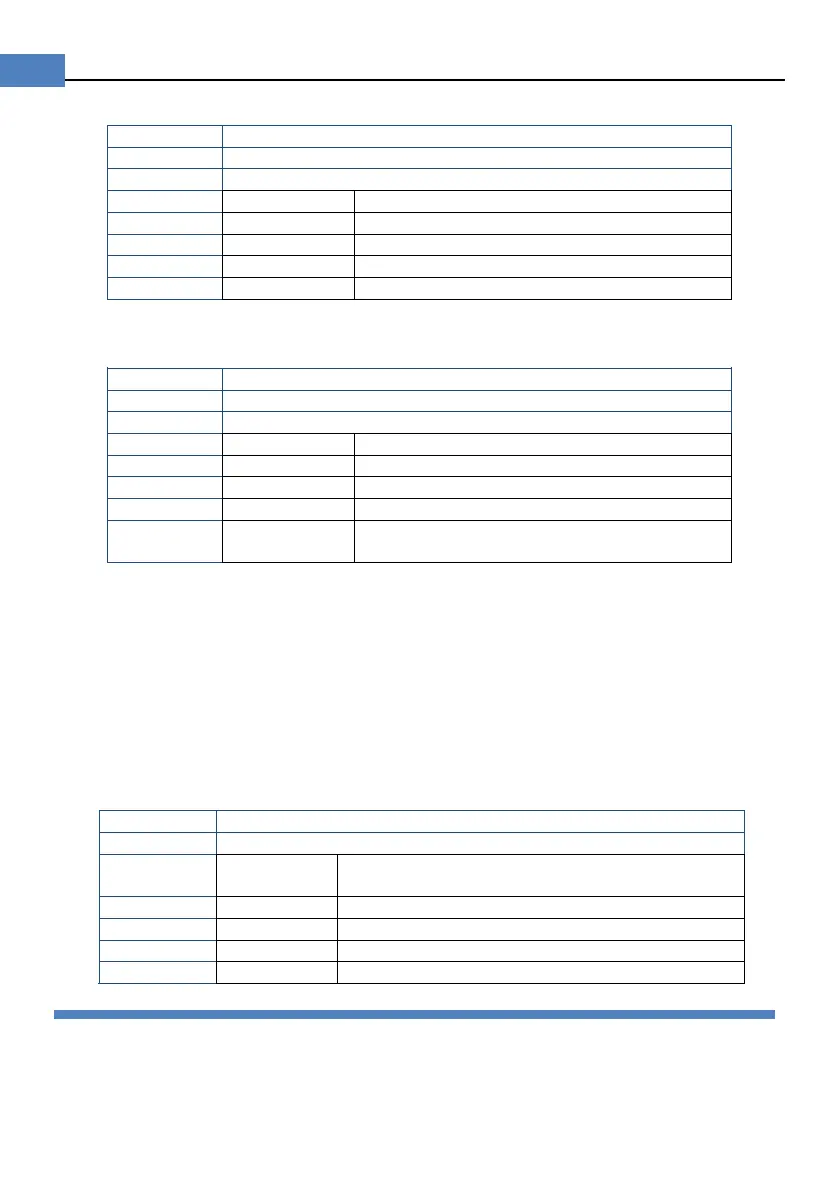
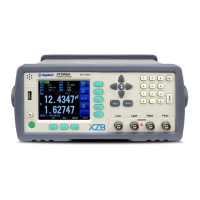
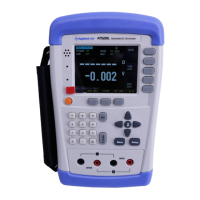
Procedure to set background brightness:
Press [Meas] or [Setup] key to enter main page
Press bottom soft key [SYSTEM] to enter <SYSTEM CONFIG>
Use cursor keys to select [DIM DISPLAY] field
6.1.5 Auto Power Off [APO]
Procedure to set up auto power off:
Press [Meas] or [Setup] key to enter main page
Press bottom soft key [SYSTEM] to enter <SYSTEM CONFIG>
Use cursor keys to select [APO] Field
The Instruments will work until the battery
power is exhausted
6.1.6 RS232 [BAUD] rate
Connect instrument to computer via Mini-USB to RS232 port, the instrument will
communicate with PC, meanwhile the keypad will be locked.
Use SCPI language in Mini-USB programming.
Mini-USB to RS232 format:
Data bits: 8
Stop bits: 1
Parity: none
Procedure to set baud rate:
Press [SYSTEM] bottom softkey to enter <SYSTEM CONFIG> page
Use cursor to select [BAUD] field
Step 3 1200
For communication converter with opt coupler
isolation
Best for communication with PC
6.2 <SYSTEM INFORMATION>
Figure 6-2 <SYSTEM INFORMATION>page


 To Next Page