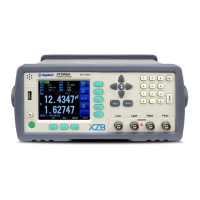
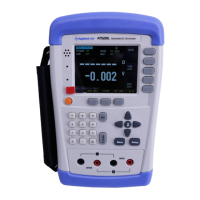
5.2 Short-circuit Clear Zero [CLEAR ZERO]
Press [Setup] key to enter < SETUP> page, and then press [CLEAR ZERO] softkey to do
short-circle clear zero.
After correction, the value will be saved into internal flash disk.
It is necessary to do short-circle clear zero.
When replace the test fixture or test cables, please do short
–circle clear zero.
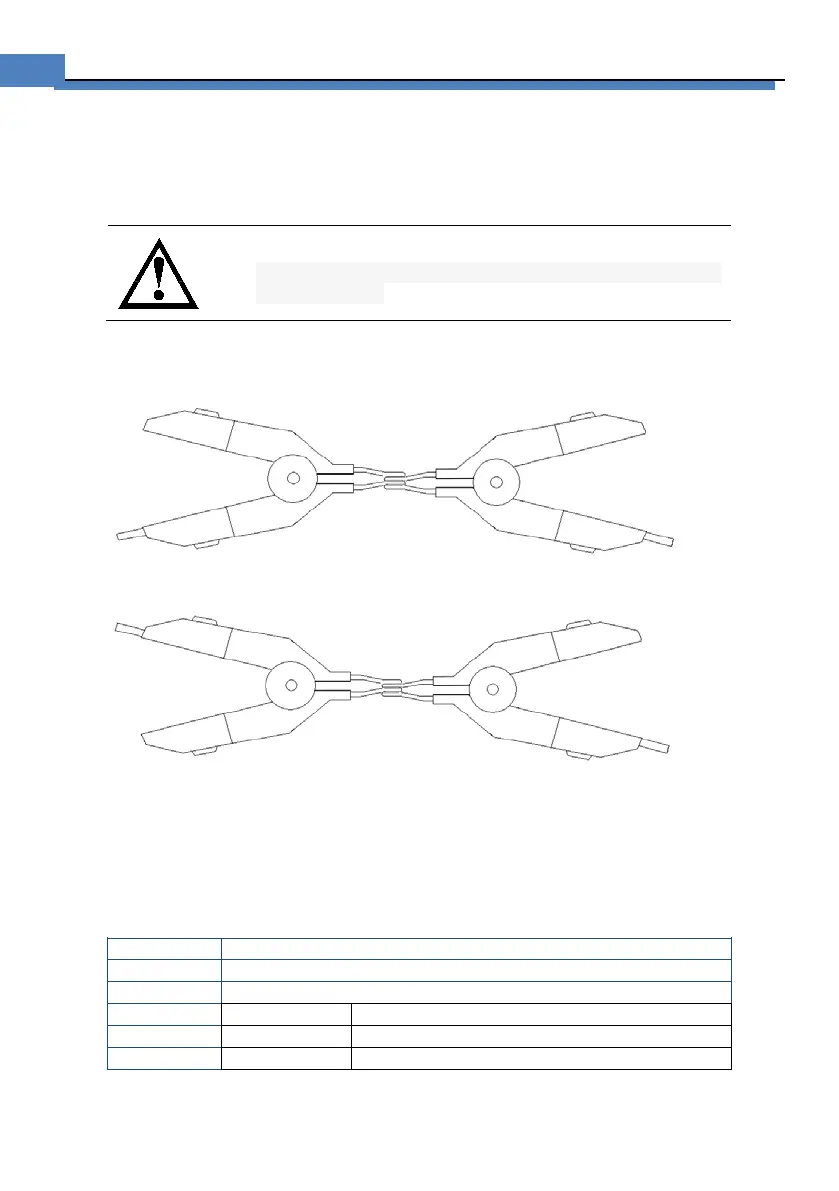
How to connect the test clips before executing short-circle clear.
Figure 5-2 Connect the test clip
WRONG! DO NOT connect it like this!
5.2.1 Comparator Mode [RESMODE][VOLTMODE]
There are several items for choosing:
ABS – Absolute Mode [ABS = Result – Nominal]
SEQ – Sequential Mode
PER – Percentage Mode [PER = (Result – Nominal) / Nominal * 100%]
Procedure to set comparator mode:
Press [Meas] key to enter <MEAS DISPLAY> page
Select [COMP SETUP] softkey to enter <COMP SETUP> page.
Use cursor key to select [RESMODE]
(Result – nominal) / nominal × 100%
Compare result with low and high limited values.


 To Next Page