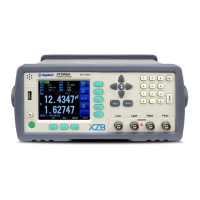
4.1.6 Statu s Bar on <MEAS DISPLAY>
HOLD – Hold the data, test stops.
SYSTEM– Go to <SYSTEM CONFIG>Page
KEY LOCK – Lock the keypad.
Time
4.1.7 Icons on <MEAS DISPLAY>
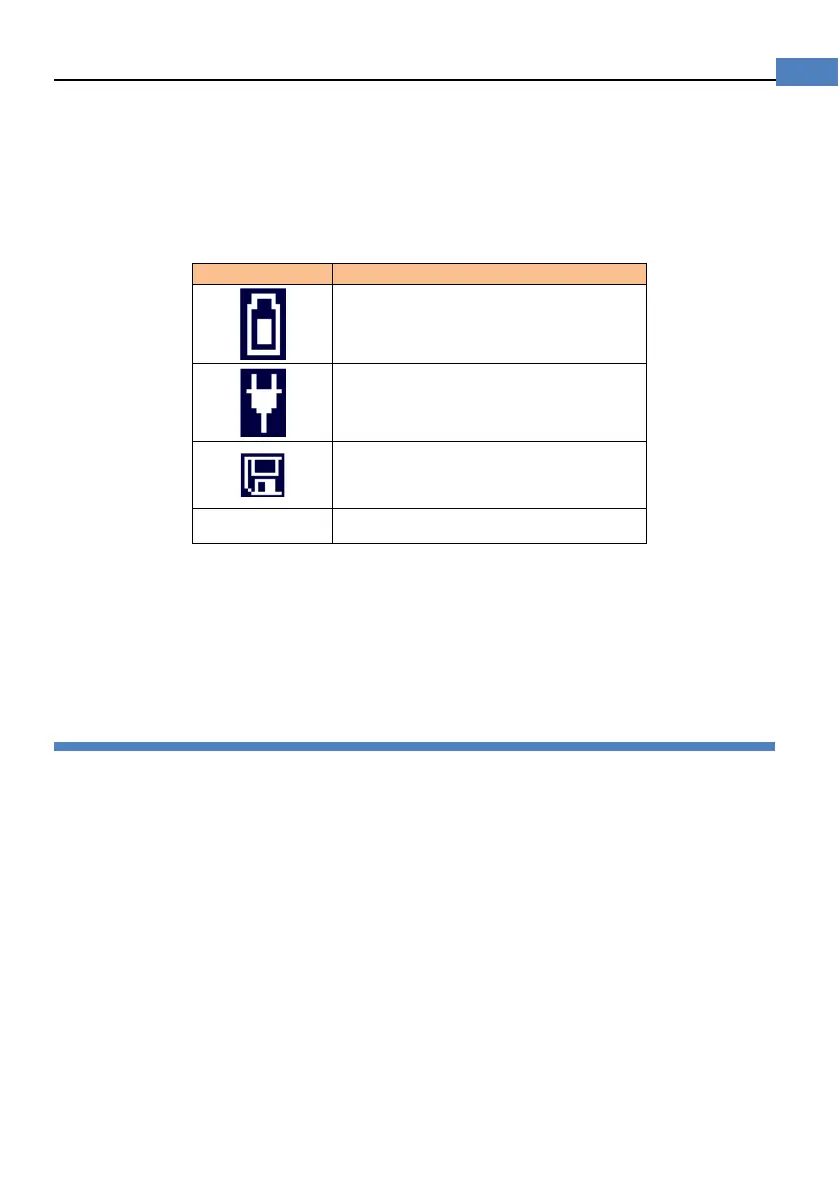
Table 4-5 Icons
Powered by Li battery
Powered by external power supply
USB-Disk is available.
H
Hold current data.
4.1.8 [VIEW DATA] Softkey
To enter the <VIEW DATA> page by pressing [VIEW DATA] softkey.
4.1.9 [SAVE DATA] Softkey
Every press this key a line of measurement result will be stored into internal flash disk.
The saved data can be reviewed on <VIEW DATA> page by pressing [VIEW DATA]
softkey.
4.2 <VIEW DATA> page
The measurement result can be stored in AT528/AT528L’s internal nonvolatile memory by
press the [SAVE DATA] softkey in <MEAS DISPLAY> page.
The format of measurement result is:
[Resistance][Voltage][Date][Time]
You can review the saved data on the <VIEW DATA> page by pressing the [VIEW DATA]
softkey in <MEAS DISPLAY> page.
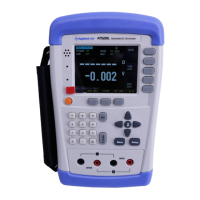
Figure 4-2 <VIEWDATA> page


 To Next Page