5.2.2 Comparator Nominal [ResNom][VoltNom]
When using the ABS and PER mode, the nominal value must be inputted.
The field is ignored when in SEQ mode.
The Nominal value must be positive.
Procedure to input nominal value:
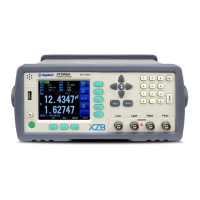
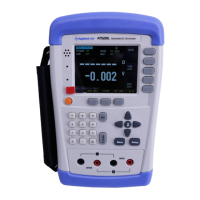
Press [Meas] key to enter <MEAS DISPLAY> page
Select [COMP SETUP] softkey to enter <COMP SETUP> page.
Use cursor key to select [ResNom] or [VoltNom]
Input the nominal value by numeric keypad.
5.2.3 Low Limit and High Limit [ResLow] [ResHigh][VoltLow][VoltHigh]
The high limited value should be greater than low nominal
value.
When in ABS∆ Mode, please input the absolute value of resistance or voltage.
When in PER∆% Mode, please input the relative value of resistance or voltage in %.
When in SEQ Mode, please input the direct value of resistance or voltage.
Procedure to input high/low limited values:
Press [Meas] key to enter <MEAS DISPLAY> page
Use softkey to select [COMP SETUP] and enter <COMP SETUP>
page.
Use cursor keys to select [ResLow][ResHigh][VoltLow] or
[VoltHigh] field
Please input the percentage value in when [PER ∆%] mode
Please input the Direct value when in ABS∆ and SEQ mode.


 To Next Page