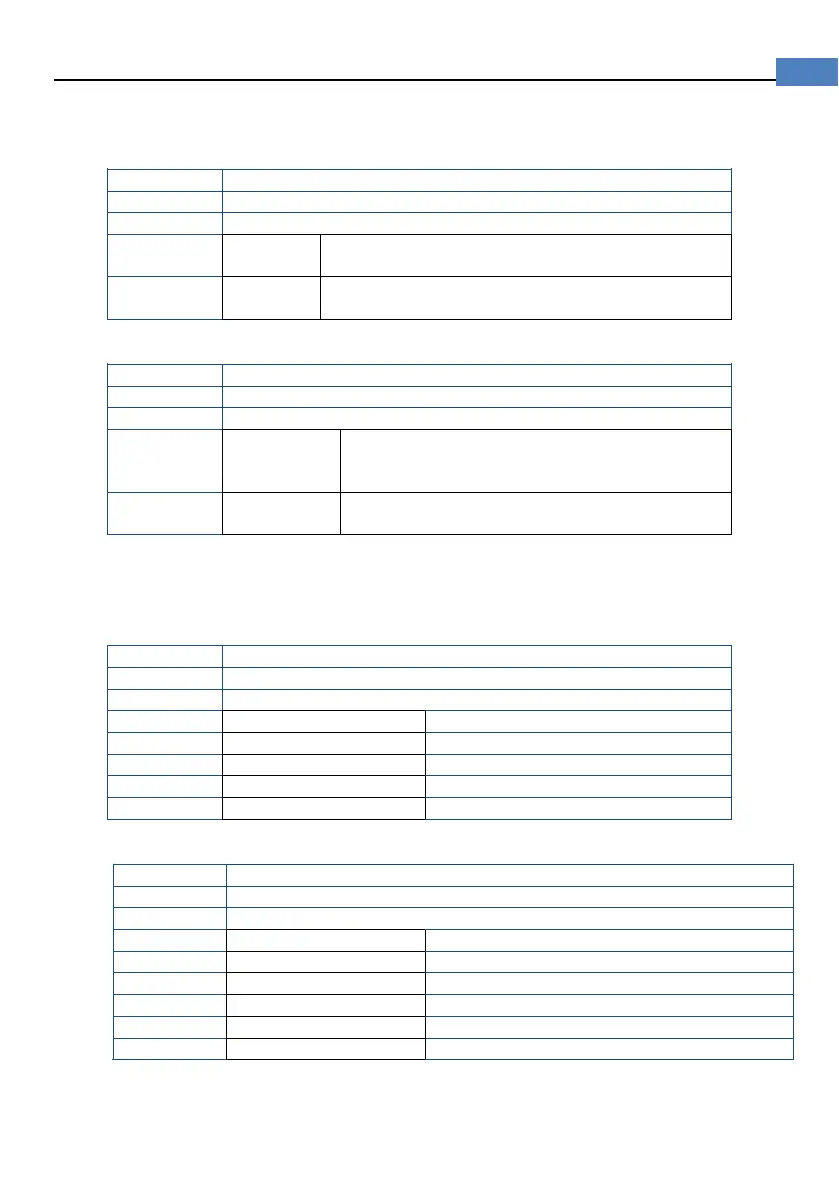
USER – Except [SYSTEM SERVICE], all settings are available but can not be
saved.
Procedure to set up account:
Press [Meas] or [Setup] key to enter main page
Press bottom soft key [SYSTEM] to enter <SYSTEM CONFIG>
Use cursor key to select [ACCOUNT] field
Except <SYSTEM SERVICE>, all settings are
available and can be saved
Except<SYSTEM SERVICE>, all settings are
available but can not be saved.
Procedure to set password:
Press [Meas] or [Setup] key to enter main page
Press bottom soft key [SYSTEM] to enter <SYSTEM CONFIG>
Use cursor key to select [PASSWORD] field
PASSWORD
No more than 9 digits and only digits and letters
can be input.
Contact us if you forget your password.
6.1.3 [DATE], [TIME]
The instrument uses a 24-hour time.
Procedure to set data:
Press [Meas] or [Setup] key to enter main page
Press bottom soft key [SYSTEM] to enter <SYSTEM CONFIG>
Use cursor keys to select [DATE] field
Procedure to set time:
Press [Meas] or [Setup] key to enter main page
Press bottom soft key [SYSTEM] to enter <SYSTEM CONFIG>
Use cursor keys to select [TIME] field
6.1.4 DIM DISPLAY
Dim the background light can save battery power.


 To Next Page