Applus Technologies, Inc. Smog DADdy User Manual VER 8.2 Page 20 of 55
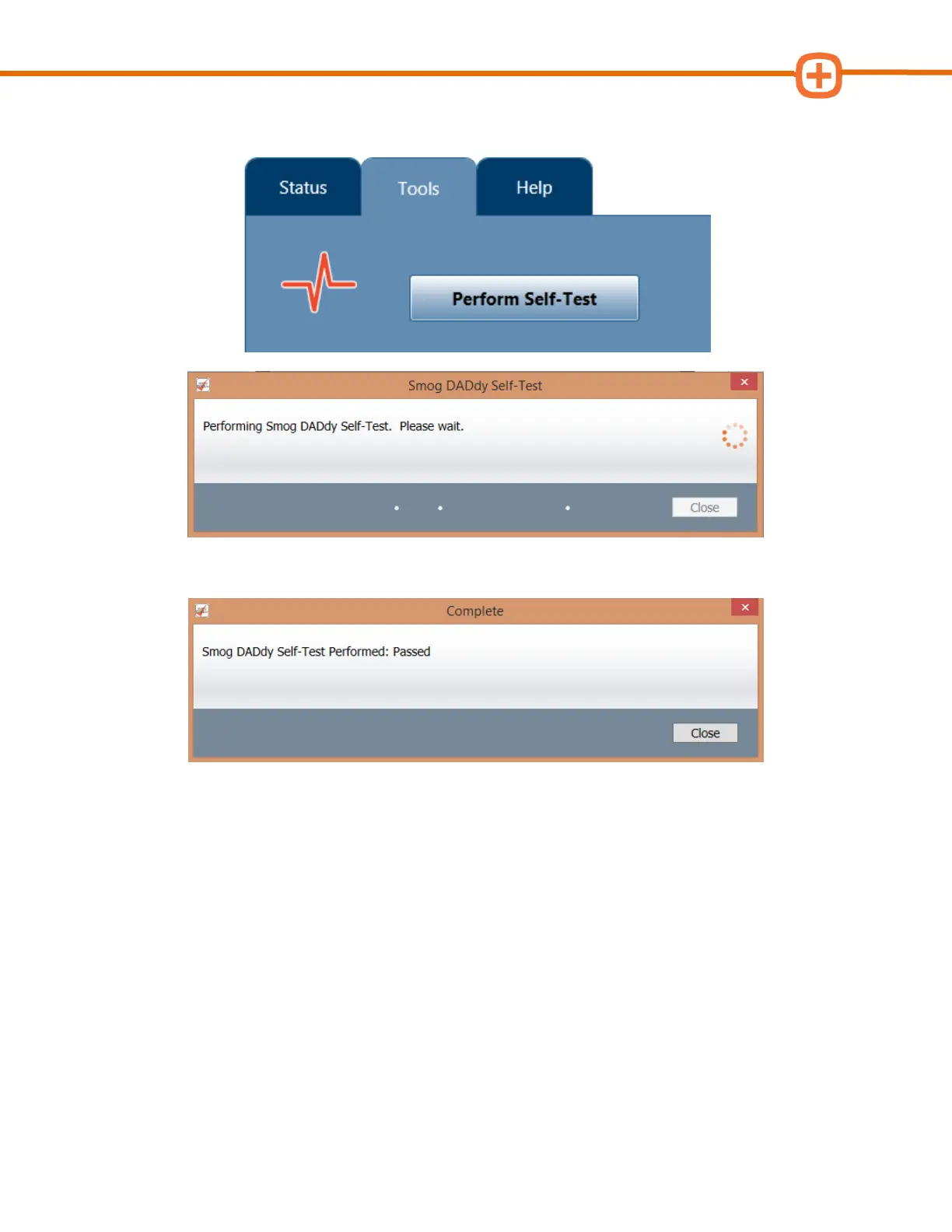
5. Select the Tools menu option followed by Perform Self-Test to start the test.
6. When the self-test has finished successfully, click Close.
7. If the self-test failed, perform the following steps to try and fix or identify the problem:
a. Check all cables to confirm they are securely attached to the proper Smog
DADdy ports and to each other. If you are using a wireless device, make sure
the device is charged and USB cable is plugged in to the computer.
b. Unplug all cables from the device and the computer and plug them back in
again.
c. Try using alternate cables.
d. If the error message still displays, contact Applus customer service for technical
support.



 To Next Page