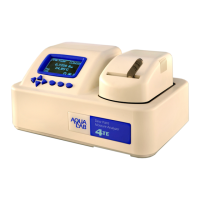
AquaLab 5 MENUS
The admin settings allow the administrator to grant or block access
to some or all of the configuration options in all Series 4 models. For
example: If the administrator wanted to make sure that all samples
were read at 25
◦
C the administrator would set their temperature to
25
◦
C and then lock all other users out of that configuration screen.
Administrators may lock out users by entering the Access function
and selecting the desired option to toggle it on and off. You can
also lock and unlock all of them at once. (For example, if you do
not want an individual changing the instrument measurement tem-
perature, the administrator can lock that function for only certain
individuals.) The areas that you can lock are calibration, tempera-
ture, temperature equilibration, sensor selection, mode, date/time,
region, password, auto-save, number of beeps, , and delete functions.
User Setup
Administrators can add, edit, or delete users from this screen. An
alphabet screen appears where you can enter a name using lower
25


 To Next Page