With the optional Cinema plug-in:
MPEG2 (up to DVD resolution MP/D1, 30
fps@15 Mbps). Plays VOB, TS, PS.
Video subtitle support
SRT, SSA, SMI, SUB text subtitles, MKV
embedded subtitles (TXT, SSA), VOB
embedded subtitles
8.1. VIDEO PLAYBACK SCREEN
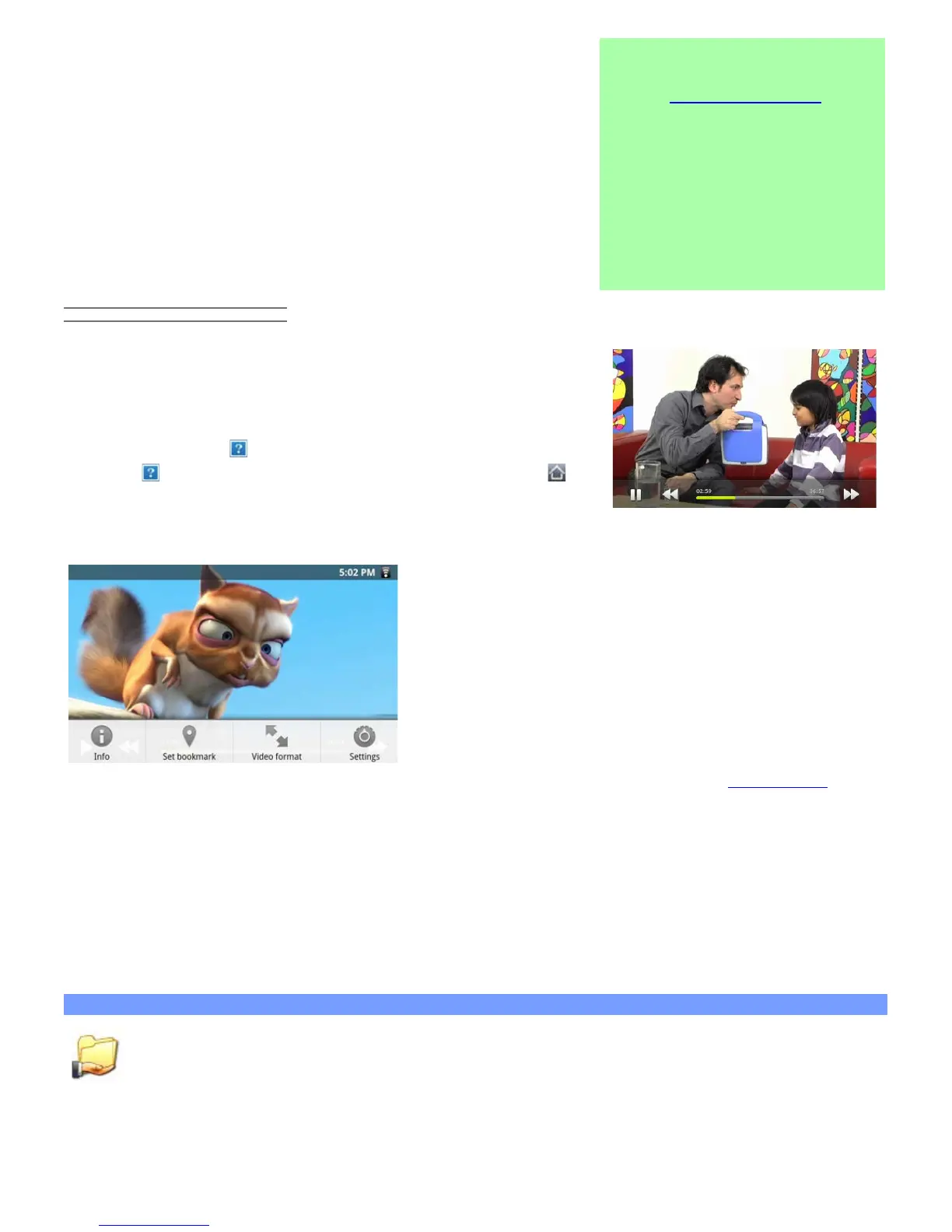
To display the menu overlay, tap once anywhere on the screen. You can
use this to pause/resume the video or to move to a specific part of the
video. To make it disappear, tap again. To display the available menu
items including alternate languages*, subtitles*, bookmarks, and settings,
tap on the menu icon . To exit the video player at any time, tap on the
back icon to go back to the video list, or tap on the home icon to
go to the home screen.
* Only if multiple audio tracks or subtitles are included inside or alongside the video file.
The four menu items when playing a video. If not already present, the Video player widget can be placed on one
of the five home screens to give you quick access to your recently added and recently played videos.
9. PLAYING YOUR PC’S SHARED MEDIA
You don't have to limit yourself to playing only the video, music, and photo files that are stored on your device.
When connected to your home WiFi network, your ARCHOS gives you the possibility to watch, directly on your
device, the shared media files (videos, music or photos) stored on your computer. There are two main ways to
"stream" media to your ARCHOS via WiFi.
9.1. Media from your PC's shared folders (SMB)
If there are computers on your WiFi network that are sharing folders, then you will be able to browse
those folders and play whatever content is in them. As shown to the left, a folder on your PC that is
being shared has the hand-holding-a-folder icon.
To share a folder on your PC, right-click on it and select Sharing. You can browse all the shared folders by using
the Files application on your ARCHOS. In the file browser, find the group External and select Shared folders
(SMB). You'll see the computer's name here, and then the shared folders and files inside it.


 To Next Page