ARCHOS 32 USER GUIDE
http://www.archos.com/manuals/A32_EN_v1.1.htm[06.02.2013 12:28:03]
21.2. Cinema Plug-in
The out-of-box video playback capability of the ARCHOS is about the best on the market. However, it does not
come with MPEG-2 video playback capabilities. You can purchase a software plug-in from the ARCHOS on-line
store which will allow your ARCHOS to play these files. This allows your device to play VOB, TS, PS video streams
as well as AC3 audio.
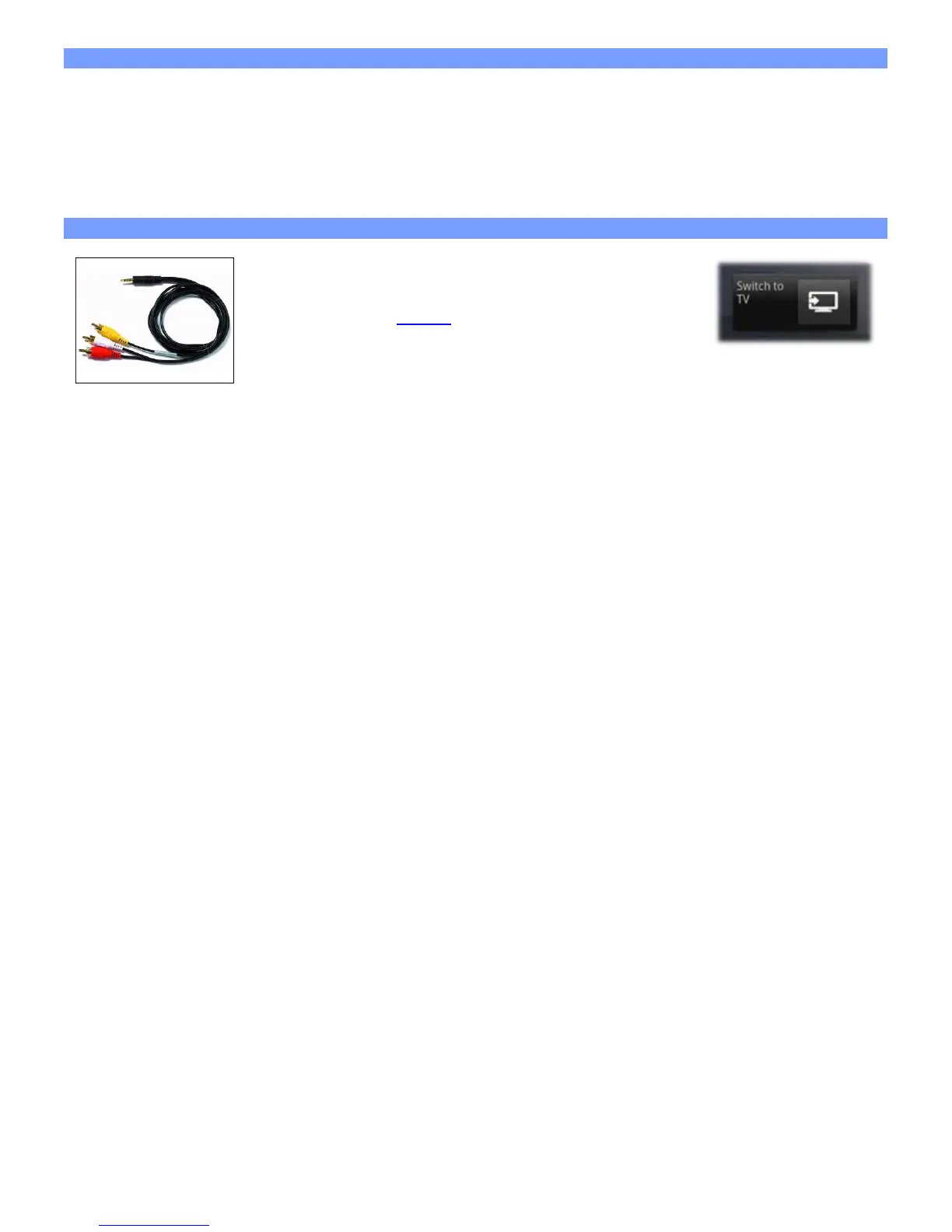
21.3. ARCHOS 32 video cable
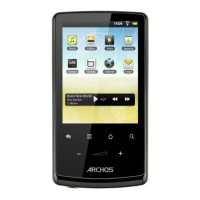
This Audio/Video cable plugs into the ARCHOS 32 internet
tablet to allow it to play video out to a television. Use the
Switch to TV widget (
go here to install the widget if it is not
already on one of the home screens) to switch from watching
on the built-in screen to watching on a television. Before you switch to the TV, make
sure you have switched your television to the correct video input, often this is done
with the A/V select button of your TV's remote control. Once the screen image is displayed, use the screen of
the ARCHOS as a track pad to move the cursor around the screen of your television.
22. TECHNICAL SUPPORT INFORMATION
Still need help after reading though this entire manual? OK, then contact tech support by first registering your
product (if you haven't already done so) and then enter your user account and go to the support section where
you can fill in a web form with your question (it is easier to do on a regular computer). We'll make our best
effort to get back to you within two business days with your answer. Also, see the frequently asked questions
section at www.archos.com/faq.


 To Previous Page