ARCHOS 32 USER GUIDE
http://www.archos.com/manuals/A32_EN_v1.1.htm[06.02.2013 12:28:03]
alarms (headphones needed to hear them). If your device is in Deep Sleep mode (long press on
power button > Power off > Deep sleep), the alarm will not bring it out of this sleep mode. Just
press the on/off button once to put it in regular sleep mode.
16. WEB & LOCAL SLIDESHOWS
This application allows to start slideshows from albums stored in Flickr®, Picasa™, or
Facebook accounts. Open the application and then tap on the bottom area of the screen or
the menu icon to display the available options. You can view a slideshow of the photos
that are stored on the ARCHOS, from your own on-line photo albums, on-line albums of
others, or view selected photos by keywords.
17. STOPPING APPS
Sometimes when you have been using Android™ for a while, it may hold a number of
applications in active memory and slow down. You can stop individual applications or stop all
of them to give more space to working memory. You can also see which applications are
preventing the device from sleeping or which ones are waking it up too often.
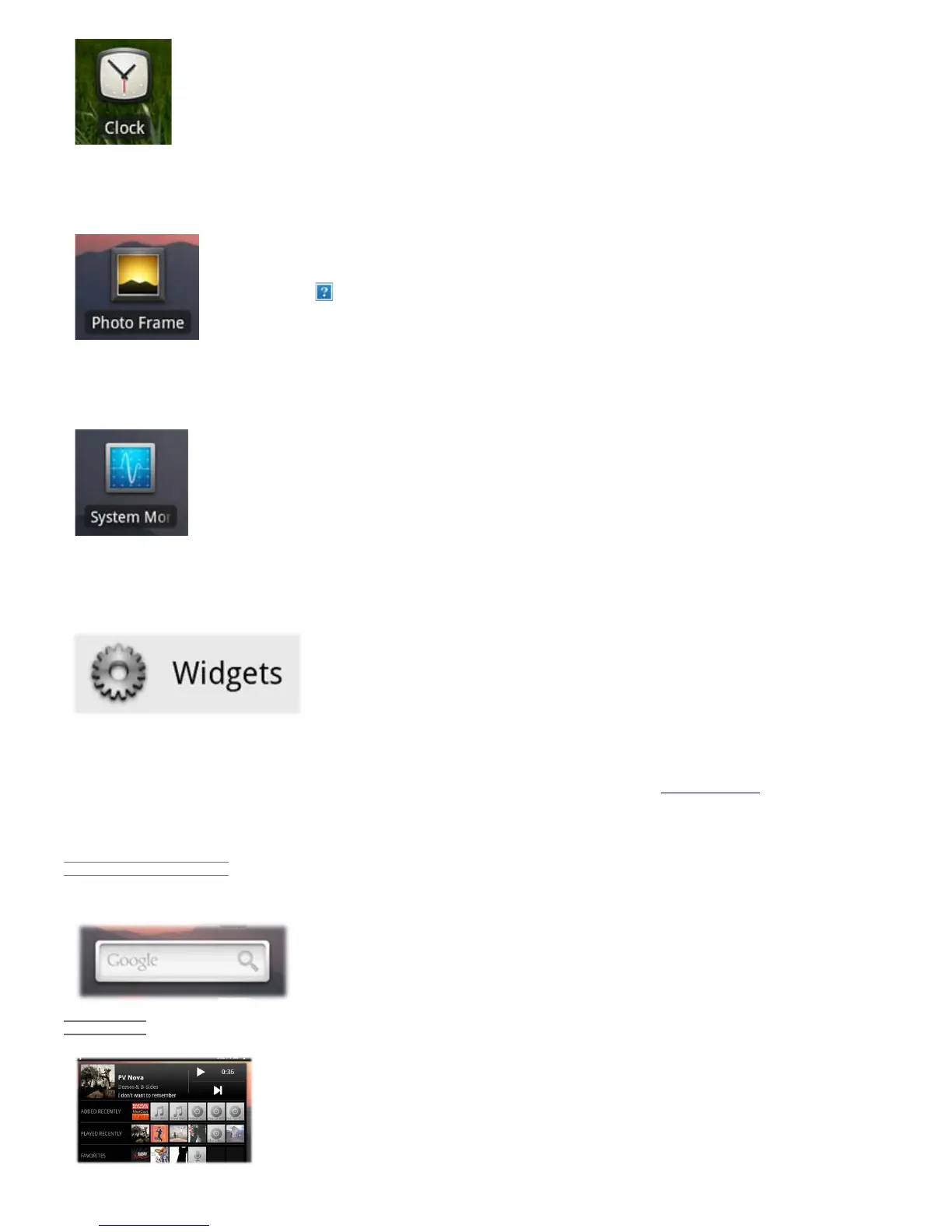
18. WIDGETS
Widgets are small applications that run continuously on one of the five home
screen panels. Below are some of the widgets that may already be on your
device. To add a widget, find an empty area on one of the five panels and hold
your finger down there. Select Add Widget, and then select the desired one.
To delete a widget from one of the screens, hold down on it and drag it toward the applications tab where it
will change to a trash icon. When the widget is on top of the trash and turns red, let off of it and it will be
deleted (the same is true for any screen shortcut). To get more widgets, go to the AppsLib store where you can
find free and purchasable widgets that add a variety of functions to your ARCHOS.
18.1. GOOGLE SEARCH
A quick way to enter a search term for a Google Internet search.
18.2. MUSIC
A quick method to access your music instead of opening the Music player. There are
also similarly looking widgets for the Gallery (photo viewing) and the Video player.


 To Next Page