55
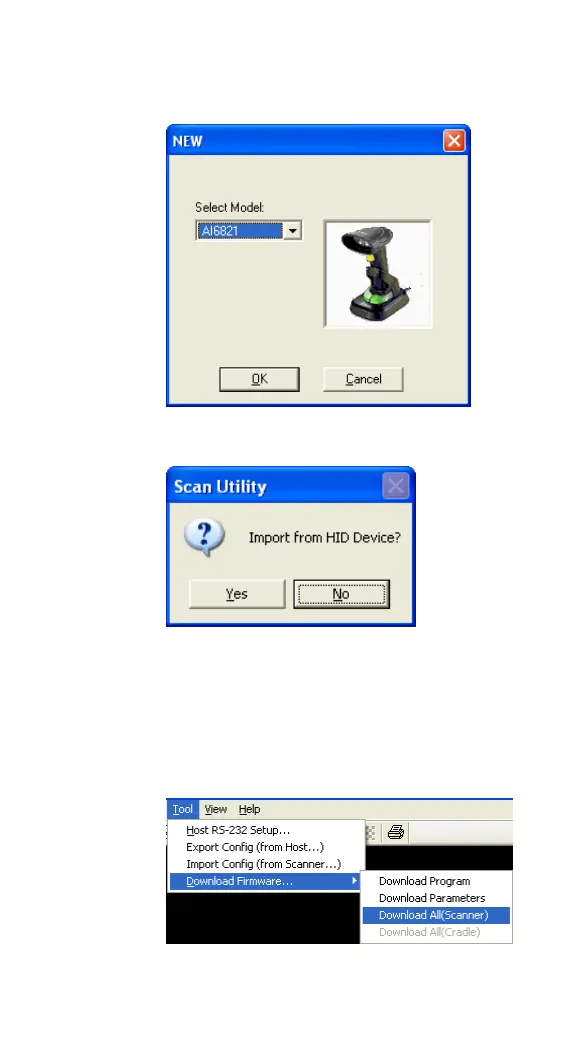
3. In the NEW dialog box, select AI6821
from the Select Model list, and click OK.
4. In the Scan Utility dialog box, click No.
5. On the Tool menu, click Download
Firmware > Download All (Scanner).
Your cradle will flash green after it enters
the firmware update mode.
6. Scan Utility will ask if you want to



 To Next Page