56
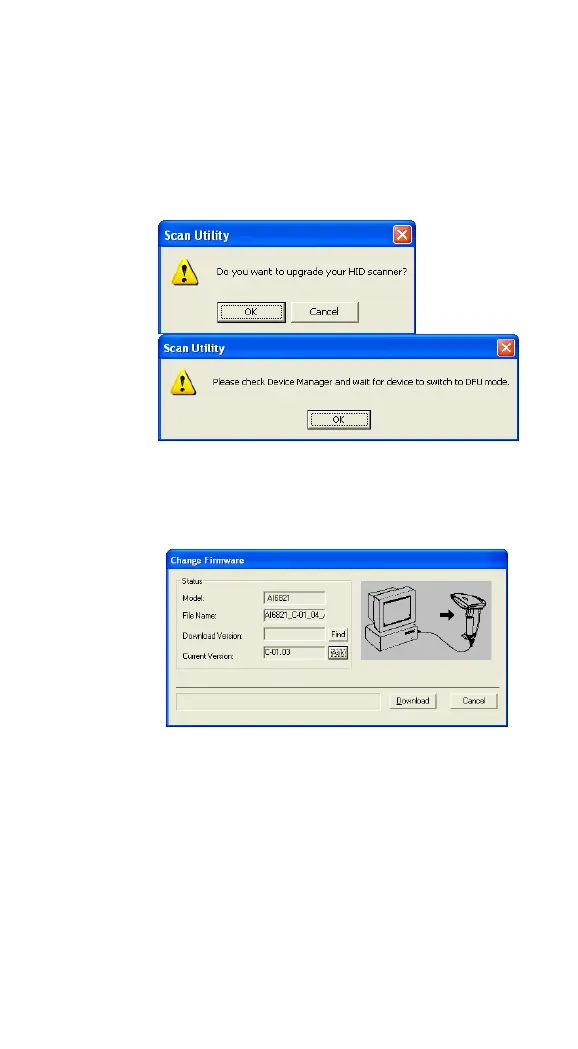
upgrade your scanner, click OK. In the
next dialog box, click OK. Then, you need
to wait 7 seconds for the system to
switch your scanner to the DFU mode.
7. In the Change Firmware dialog box, click
Ask to get the current firmware version
of your cradle.
8. Click Find to load the firmware file. The
firmware version in this file needs to be
different from the current firmware
version of your cradle. After loading the
file, click Download to update the
firmware of your cradle.



 To Next Page