24
Cutter Mode
Note: For Cutter mode you must first install the cutter and add
the cutter baby board to J16 on the main board. Please
refer to Appendix I.
Follow Steps 1 to 8 listed in Standard Mode above.
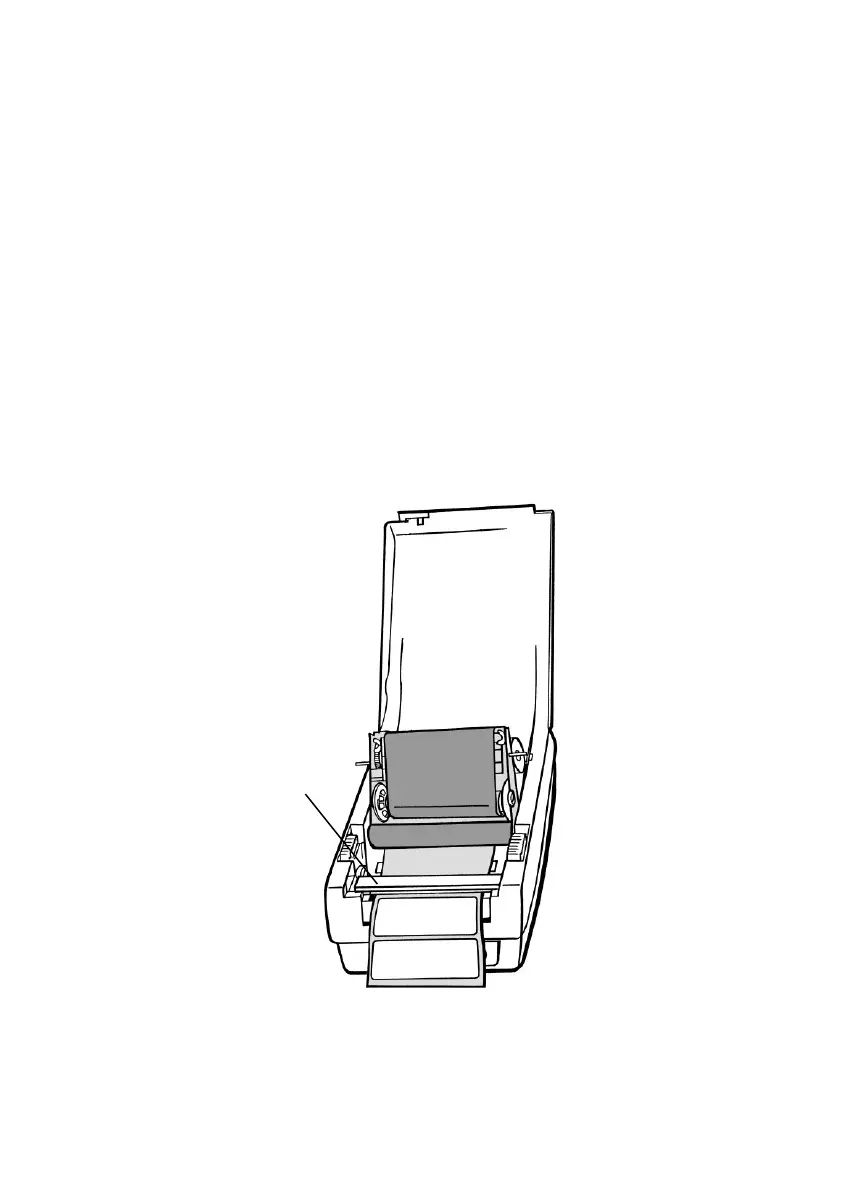
9. Thread the media over the platen roller, then route the
media through the slot of the cutter module.
10. Press down the print head module firmly.



 To Next Page