50
Miscellaneous
If the host shows "Printer Time out"
1. Check if the communication cable (parallel or serial) is
connected securely to your parallel or serial port on the
PC and to the connector on the printer at the other end.
2. Check if the printer power is turned on.
If the data has been sent, but there is no output from the printer.
Check the active printer driver, and see if Seagull driver for your
Windows system and the label printer has been selected.
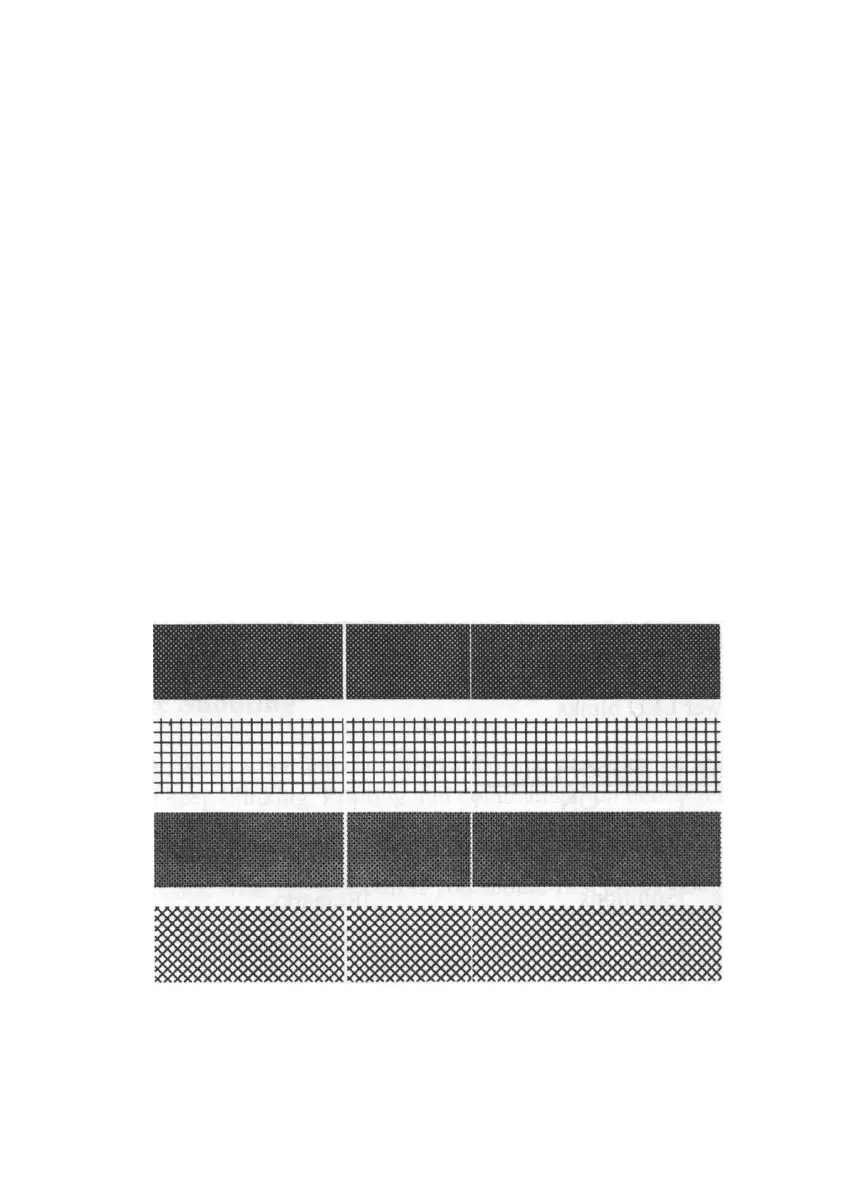
Vertical streaks in the printout usually indicate a dirty or faulty
print head. (Refer to the following examples.)
Clean the print head. If the problem persists, replace the print
head.


 To Next Page