74
Appendix II - Installing the Extension Card
Extension Card designated for all optional extension modules.
For example, RTC card and Add-on card.
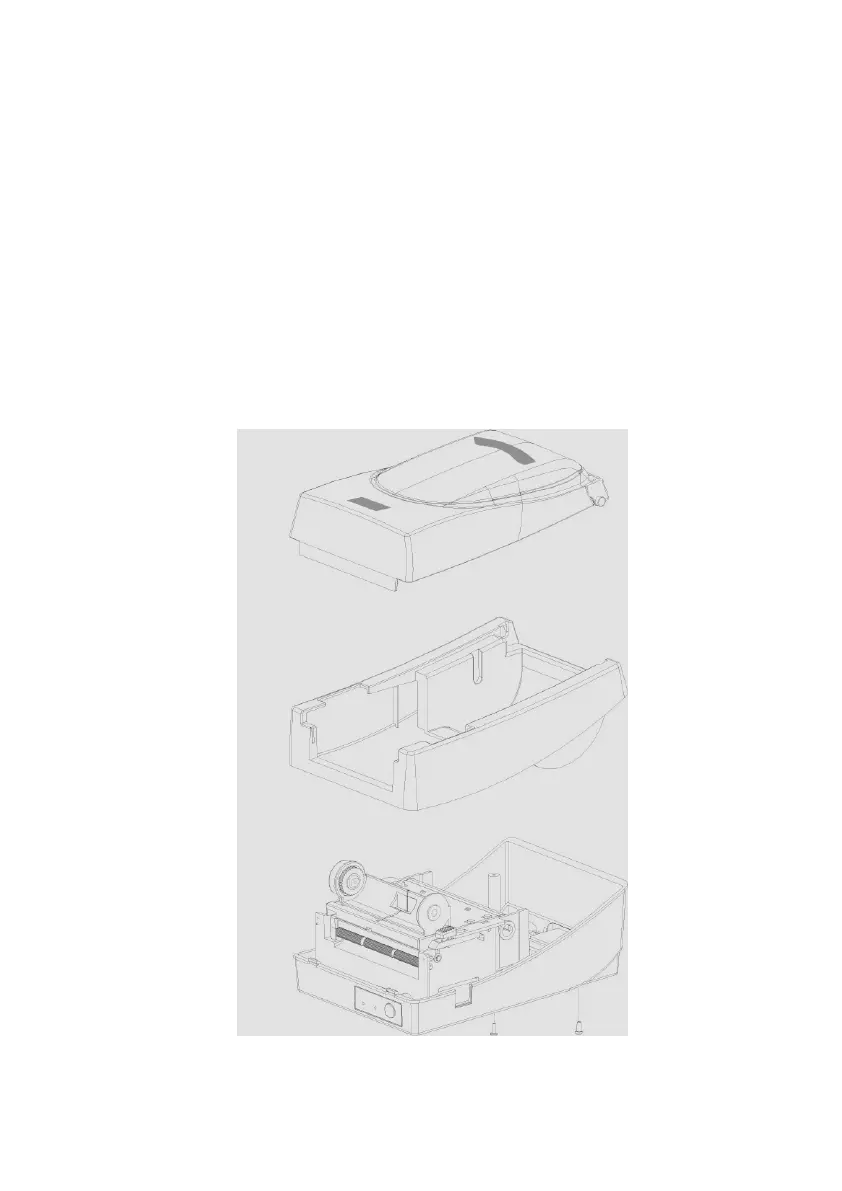
Install the extension card into the printer as follows:
1. Turn off the printer power.
2. Remove the top cover.
3. Release the two screws at the bottom of the base housing.



 To Next Page