73
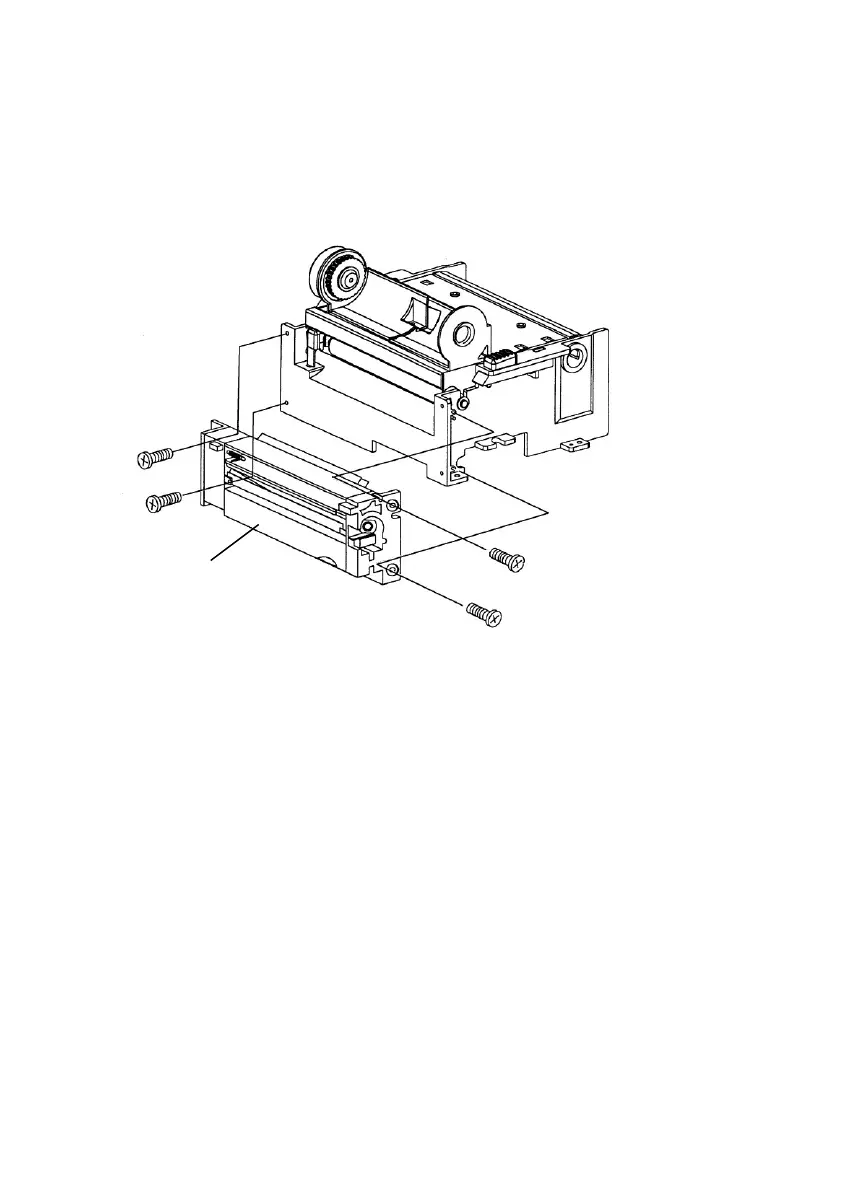
6. Secure the four screws attaching the cutter.
7. Plug the cutter's connector into the PCB's header
connector (J9).
8. Reattach the print head assembly by securing the 4
screws.
9. Click back the middle cover.
10. Secure the two screws for the base housing.
11. Click the top cover into place.



 To Next Page