20
WARNING
To avoid injury, only use the scale to weigh
hospital or care facility patients under the
supervision of Nursing staff and healthcare
professionals.
CAUTION
7KHXQLWPXVWEHVWDWLRQDU\RQDÀDWOHYHO
surface when it is powered up, to allow the
scale to perform an automatic zero reset.
Do not touch the lift or any of its
components until the scale displays “0.0”.
Failure to do so may result in inaccurate
reading of the weight on the scale.
Display Symbols/Functions
The LCD screen on the hand control can display
ZHLJKWLQNLORJUDPVNJRUSRXQGVOELQVSHFL¿F
markets).
The minus sign (-) appears when the weight is
negative (see “Method B - Weigh Patient with Sling”
on page 23”).
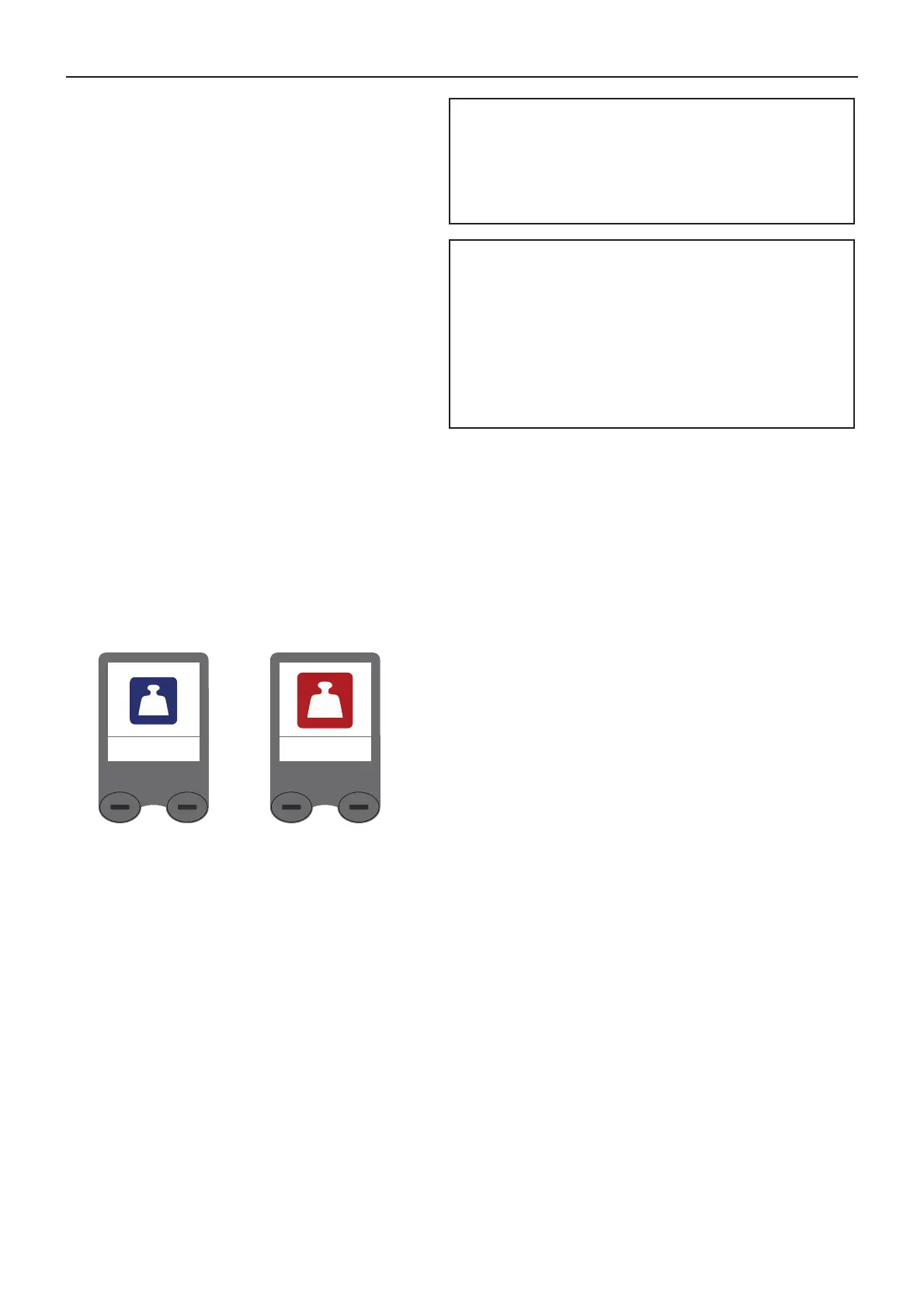
Overload Warning Symbol
The maximum weight warning symbol appears when
the patient weight exceeds the Safe Working Load
(SWL) 200 kg (440 lb). (See Fig. 30)
If the scale is overloaded, the unit will beep 2
times and the display will switch between the scale
symbol and the maximum weight warning symbol.
Remove the overload weight by lowering the patient
immediately.
Do not touch the scale/lift until the symbol is switched
off.
Scale (Optional)
Fig. 30
Scale Symbol Maximum Weight
Warning Symbol













 To Next Page