36 www.arkrayusa.com
Step 1
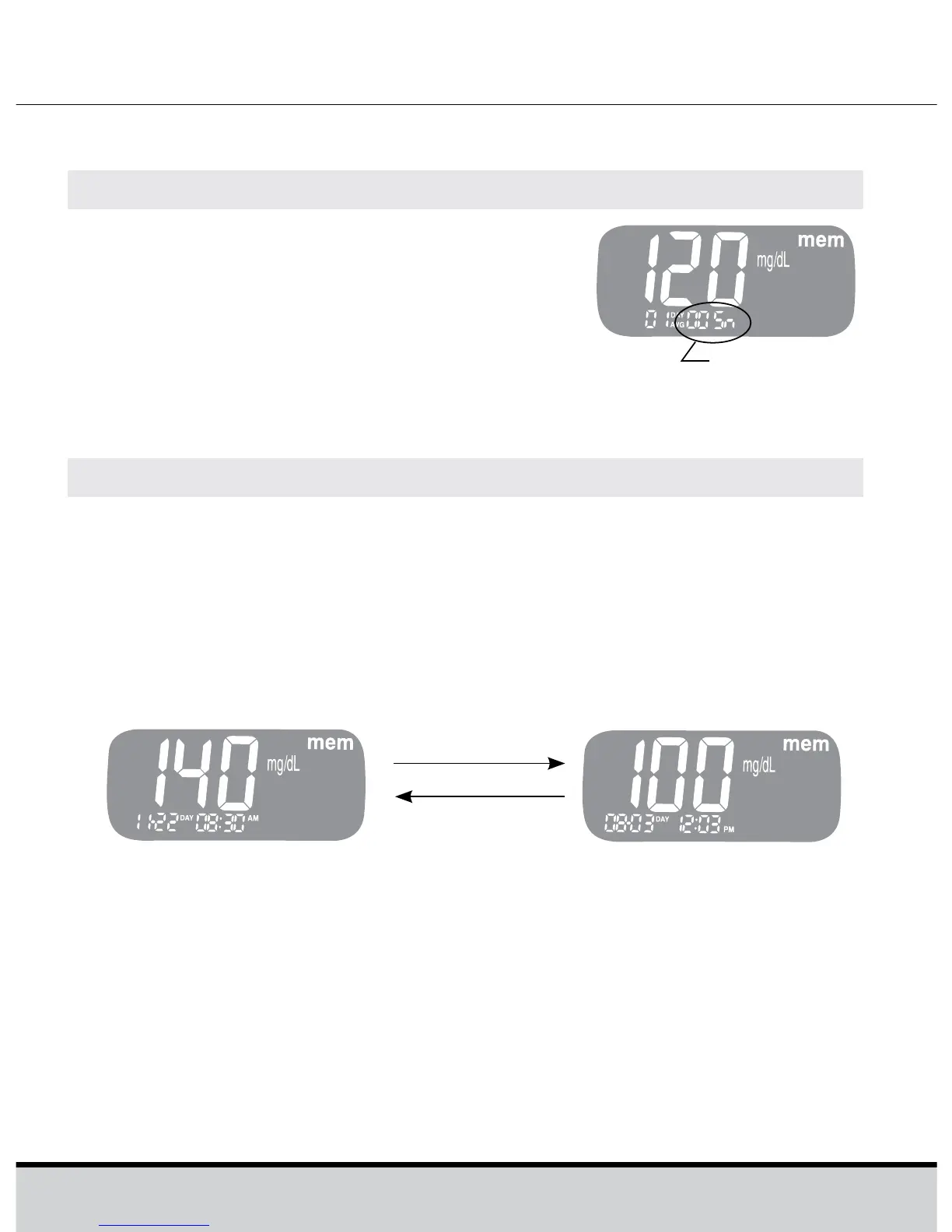
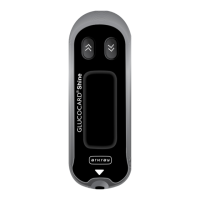
Press << or the >> button to turn the
meter on. The current date and time
will be displayed on the bottom of the
screen for 2 seconds, followed by the
1 day average value and the number of
the test results saved within the current
day.
ViewingTestResults
Step 2
Use the >> button to scroll through the test results, starting
from the most recent and ending with the oldest.
Press the << to return to the result seen previously. The test
date and the recorded temperature will display alternately.
After checking the stored test result, hold the >> button to
turn off the meter.
>> button
The number of
tests
<< button






 To Next Page