www.arkrayusa.com 19
Control Solution Testing
Step 1
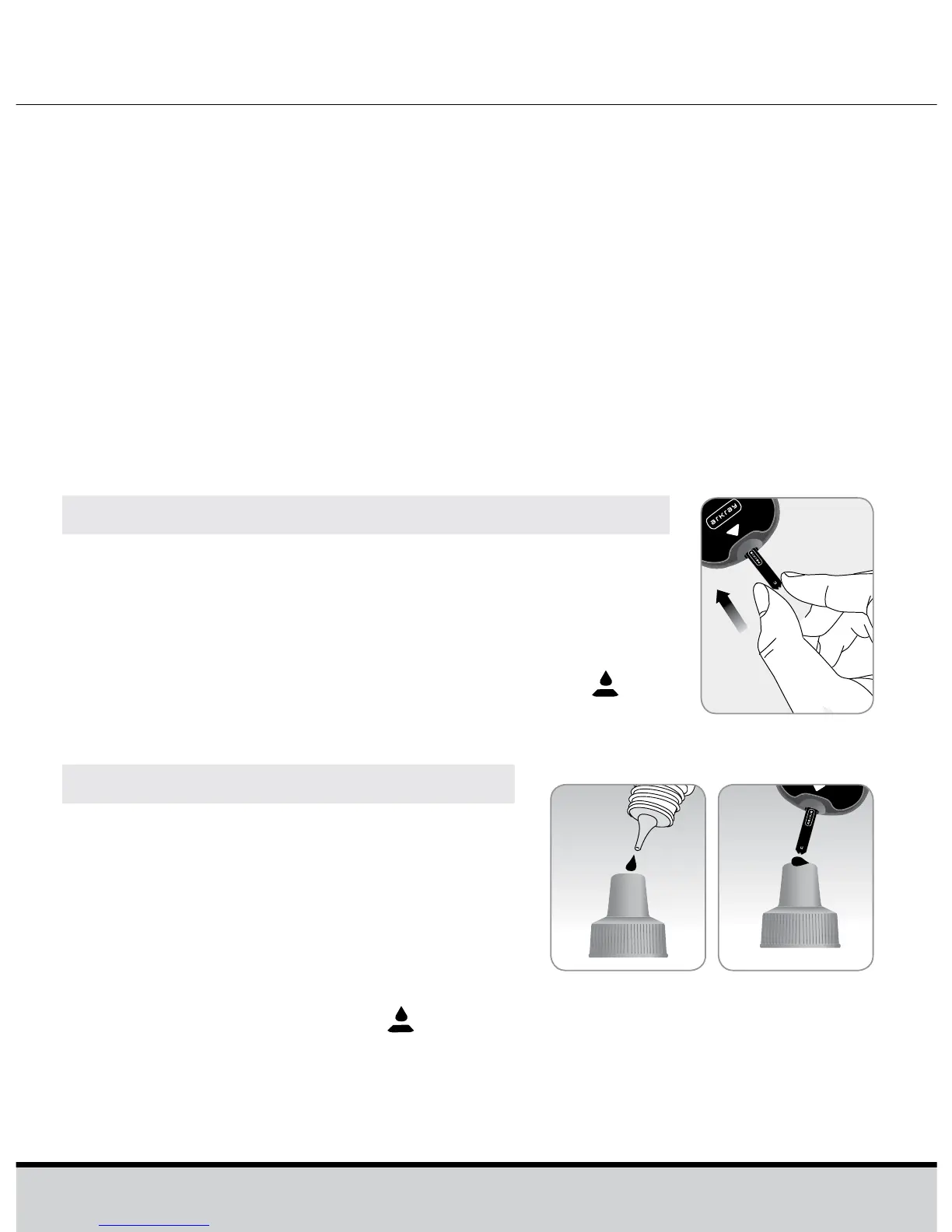
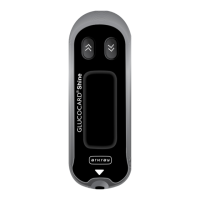
Insert a test strip into the meter’s test strip
port, with the contact bars facing upwards.
Gently push the test strip into the test strip
port until the meter beeps. Be careful not
to bend the strip while pushing it in. The
symbol will be displayed on the screen.
• Whenever you open a new vial of test strips;
• If the meter or test strips do not function properly;
• If your symptoms are inconsistent with the blood glucose
test results and you feel that the meter or test strips are not
working properly;
• If you drop or damage the meter;
• When using the meter for blood glucose test after any
disinfection procedure.
Step 2
Shake the GLUCOCARD Shine
Control Solution bottle before each
test. Remove the cap and squeeze
the bottle to discard the first 1 or 2
drops.
Then wipe the tip with a clean
tissue or cloth. After the
symbol appears on the display,
apply the solution to the narrow edge of the test strip until
the meter beeps. Make sure the confirmation window fills
completely.






 To Next Page