34 www.arkrayusa.com
MeterMemory
Step 1
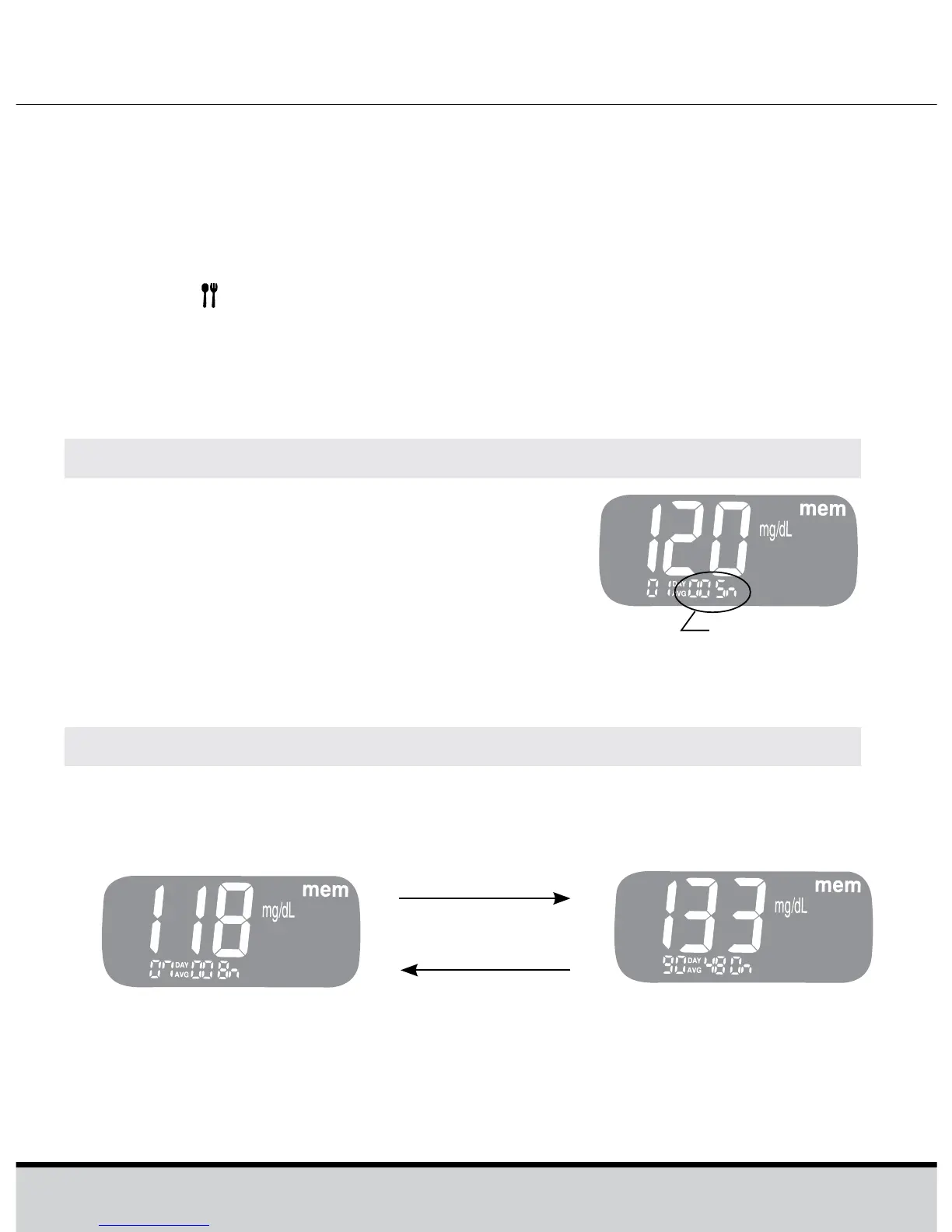
Press the << or >> button to turn the
meter on. The current date and time will
be displayed on the bottom of the screen
for 2 seconds, followed by the 1 day
average value and the number of the test
results saved within the current day.
ViewingAverages
Step2ViewingAverages
Press the << to view 7-, 14-, 30- and 90-day average values
and the number of tests performed for the last test period.
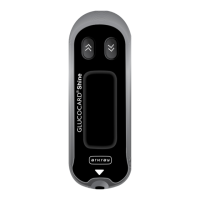
The GLUCOCARD Shine meter can save up to 500 glucose test
results with time and date. If the memory is full, the oldest test
result will be deleted and the latest test result will be stored.
The GLUCOCARD Shine meter calculates and displays the
averages of total test results, pre-meal test (Pr) results, and post-
meal test (
) results from the last 1, 7, 14, 30 and 90 days.
The number of
tests
<< button
>> button
Average
(1, 7, 14, 30, 90 days)






 To Next Page