Chapter 6: Using the Telephony Gateway
Release 8 STANDARD 1.1 August 2016 Touchstone TG862G Telephony Gateway User Guide
© 2016 ARRIS Enterprises LLC. All Rights Reserved. 31
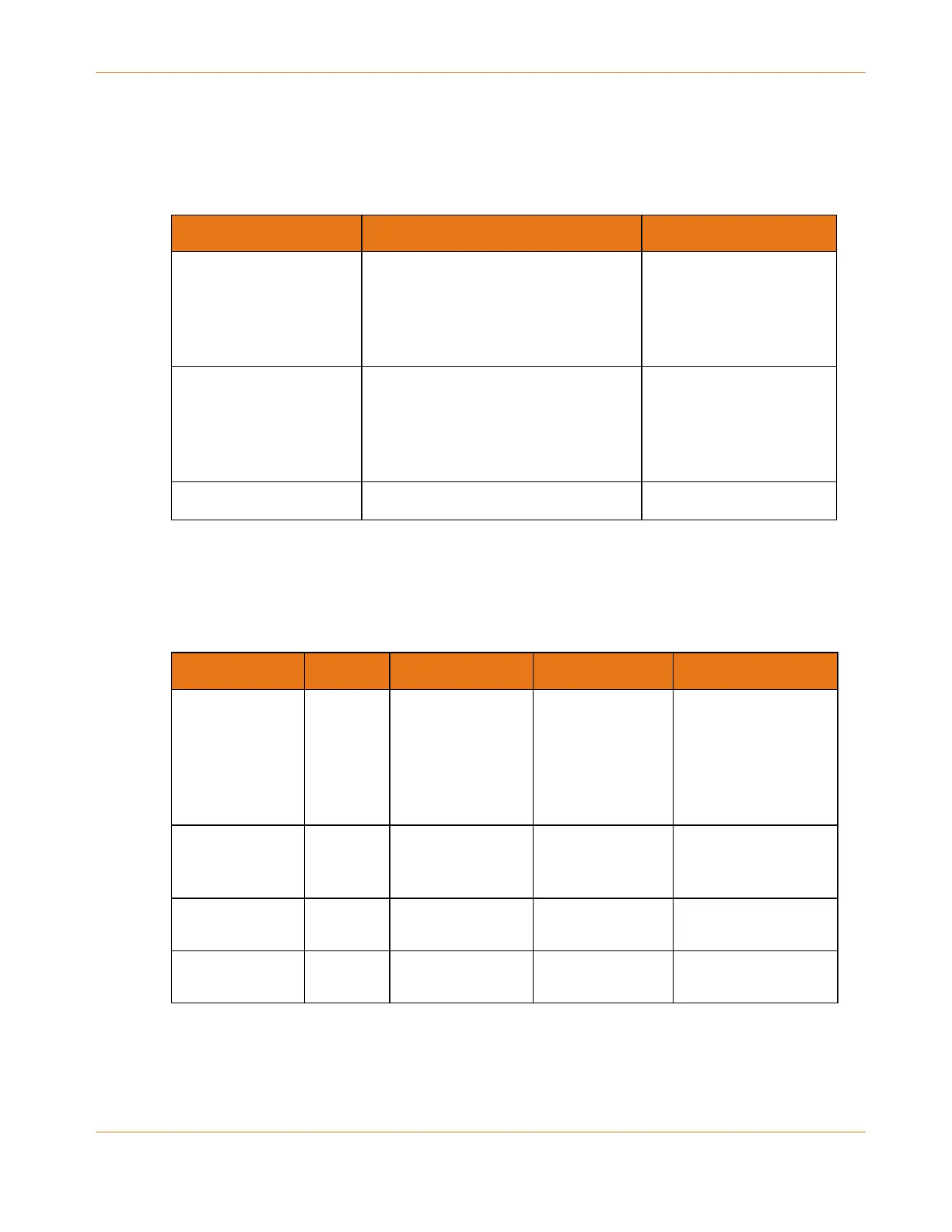
Patterns: Normal Operation (LAN and Telephone)
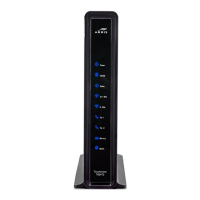
The following table shows light patterns for the Ethernet and wireless LANs and the
telephones during normal operation.
Mode Wi-Fi Tel 1 / Tel 2
AC Power On = Wi-Fi enabled
Flash = Computer activity
Off = Wi-Fi disabled
On = On-hook
Flash = Off-hook
Off = disabled
No AC Power Off On = On-hook
Flash = Off-hook
Off = disabled
Firmware Upgrade (normal operation) (normal operation)
Patterns: Normal Operation (WAN and Battery)
The following table shows light patterns during normal operation.
Mode Power US/DS Online Battery
AC Power Good On On = Connected
to the Internet
Flash = Not
connected to the
Internet
On = Internet
available
Off = Internet not
available
On = Battery good or
low
Off = Battery missing
Flash = Battery bad
No AC Power,
Battery Installed
Flash Off Off Off = Battery power
Flash = Battery bad
No AC Power,
No Battery
Off Off Off Off
Firmware
Upgrade
On Flash On (normal operation)










 To Next Page