Recording can be stopped by switching off the power or switching the recording off Enable SW as
shown in figure one.
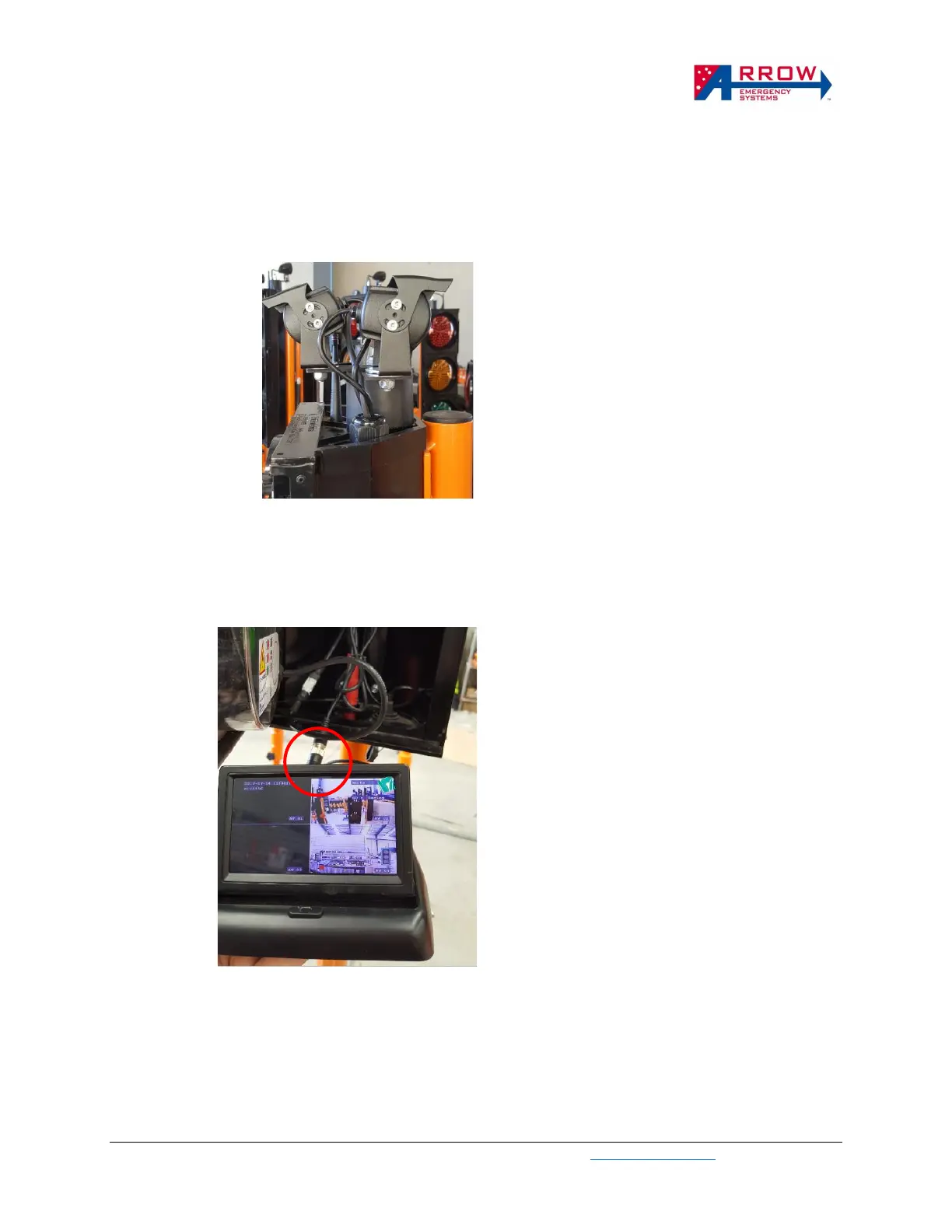
Adjusting Camera Angle
Figure 2. Camera rotations
Depending on where the eSTOP is placed, the camera can be rotated horizontally and vertically to suit viewing
angle of the traffic.
Using LCD and DVR video output
Figure 3. DVR output and LCD
By plugging in the LCD to the DVR’s video output connector shown in the figure 3 above, the videos of the
cameras can be viewed live. This allows camera positions to be adjust effectively, video play back and
indications of recording status.
DVR custom setting


 To Next Page